
CRM
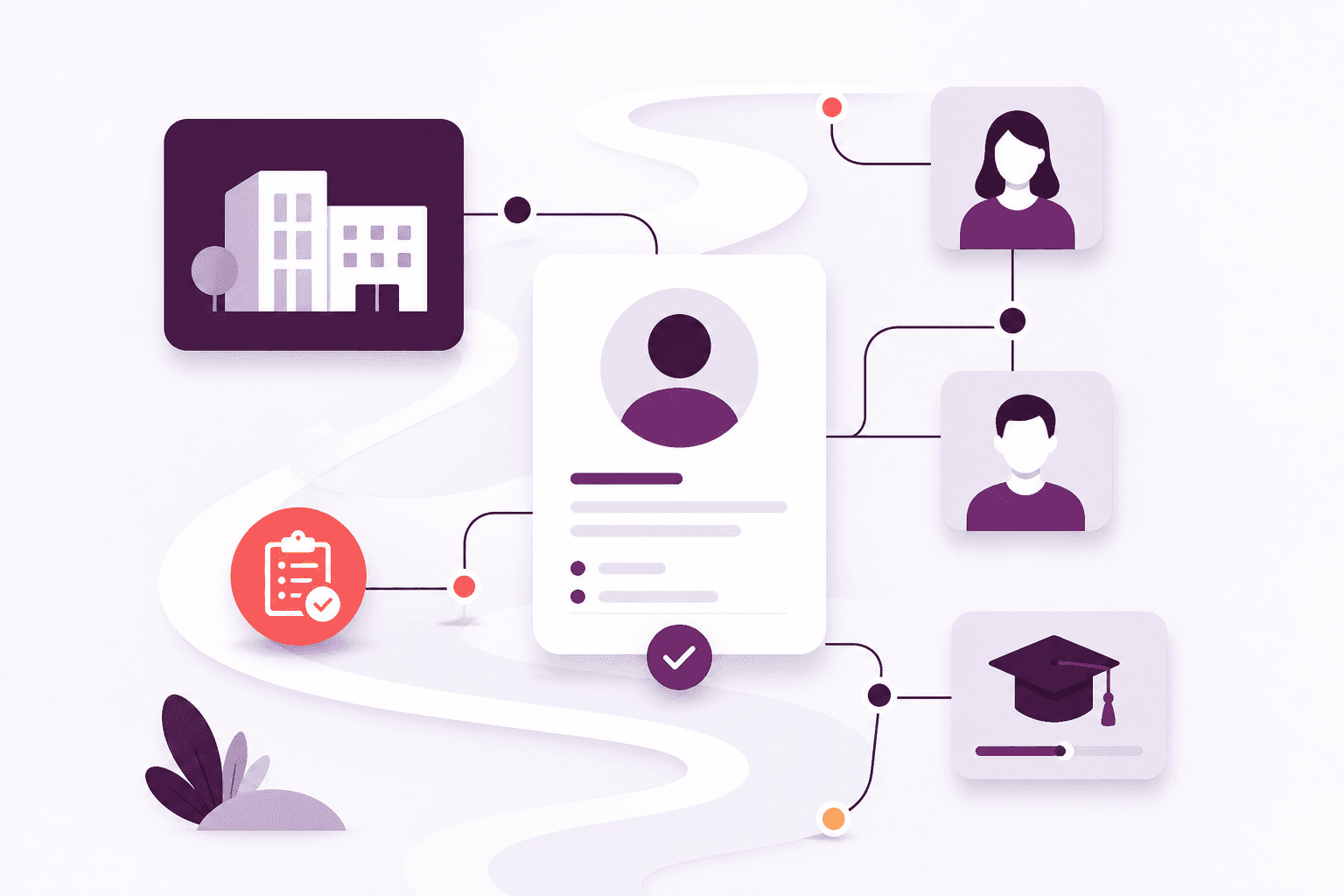
One place to know every learner
Stop keeping people in one spreadsheet and employers in another. Afanor holds who they are, how to reach them, and what still needs doing.
Explore CRMWhat Afanor does
People, courses, qualifications, messages and a clear view of what needs attention — working together, so your team is not copying names from one tool into another.
Where to start
Begin with the work that hurts most today. The rest is already joined to the same people.
CRM
Stop keeping people in one spreadsheet and employers in another. Afanor holds who they are, how to reach them, and what still needs doing.
Explore CRM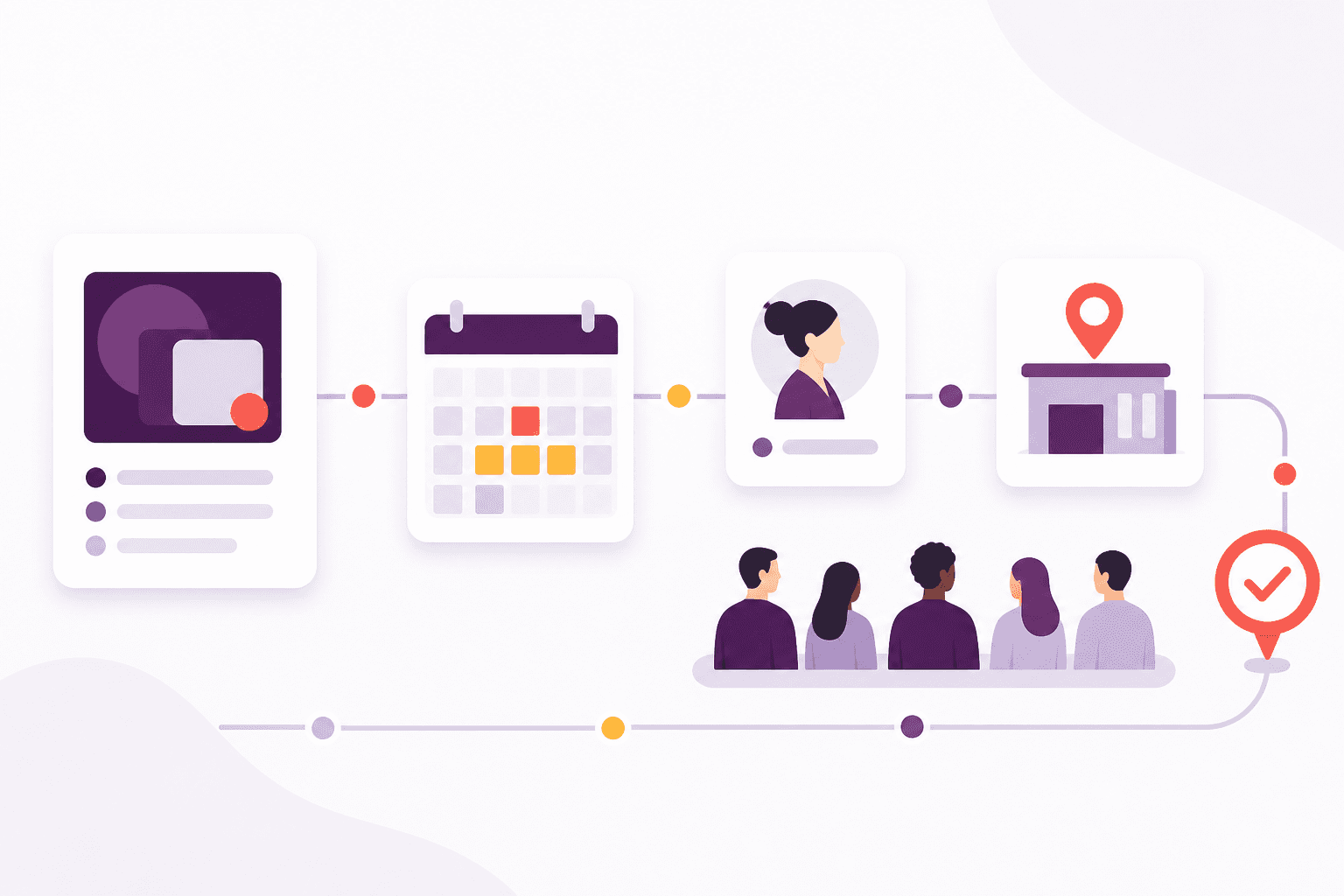
Training
Schedule the course, check learners in, run the quiz and follow up before a qualification lapses — without starting again in another tool.
Explore Training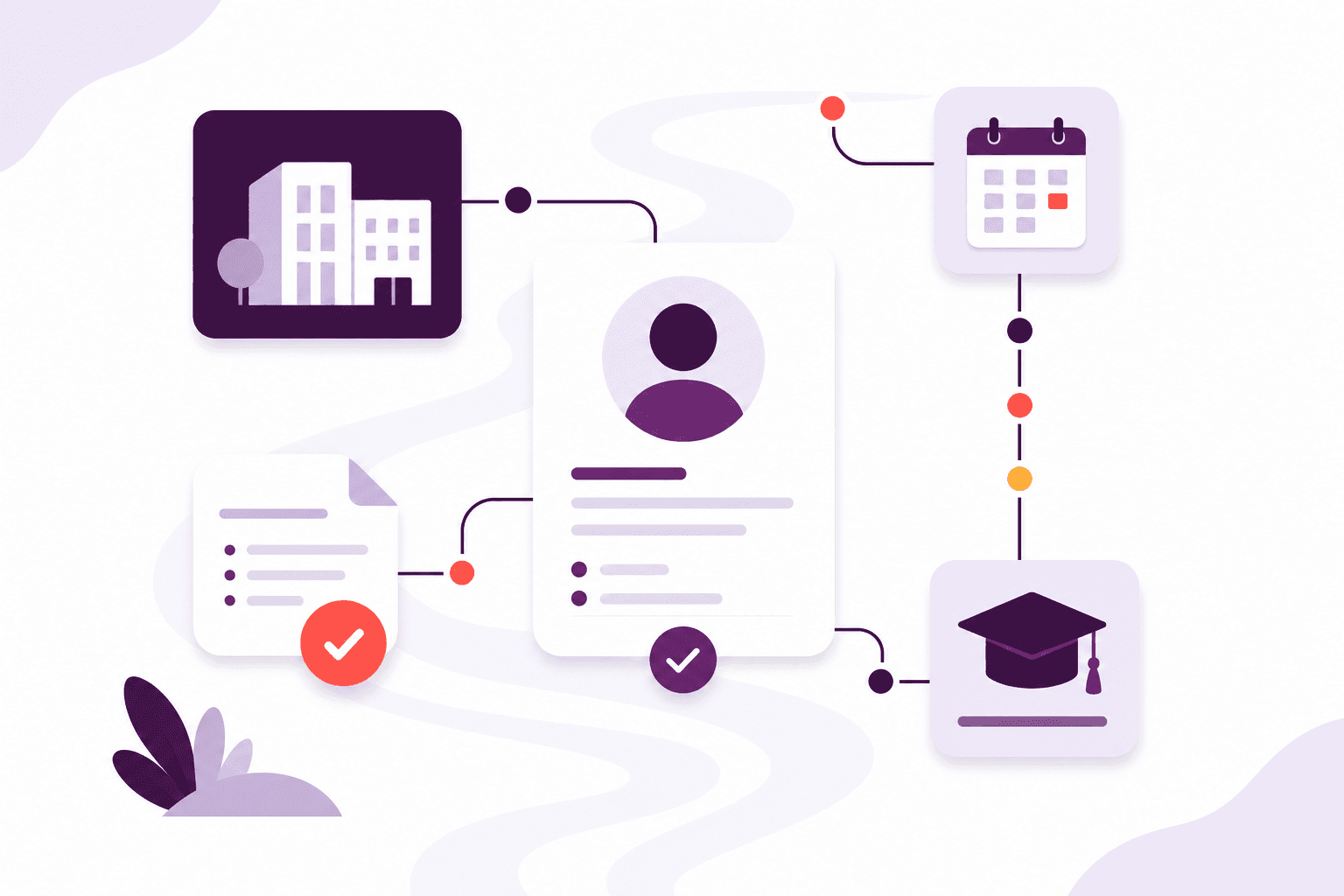
Qualifications
Set up awarding bodies and the rules that go with each award, then keep learner achievements, evidence and expiry together.
Explore Qualifications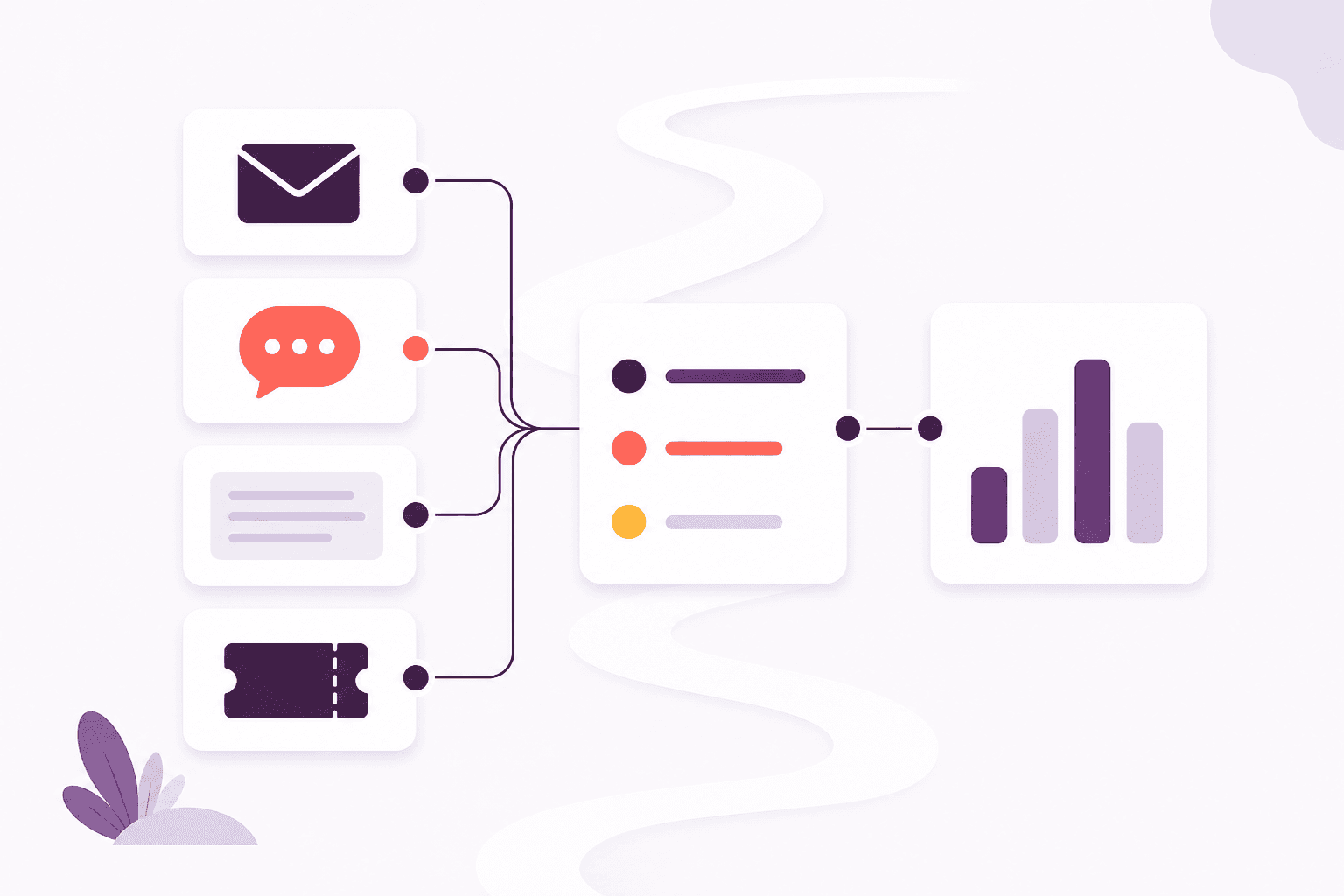
Communications
Remind people before a qualification lapses by email, learner push or letter. On Scale, incoming email lands with the team instead of one person’s mailbox.
Explore Communications
Reporting
Learners, sessions, awards, quizzes and reminders — as reports from the work you already do, not another spreadsheet to feed.
Explore ReportingWhere the day disappears
Copying names at reception, chasing renewals, rebuilding a register for a report — Afanor takes those moments and keeps them with the learner.
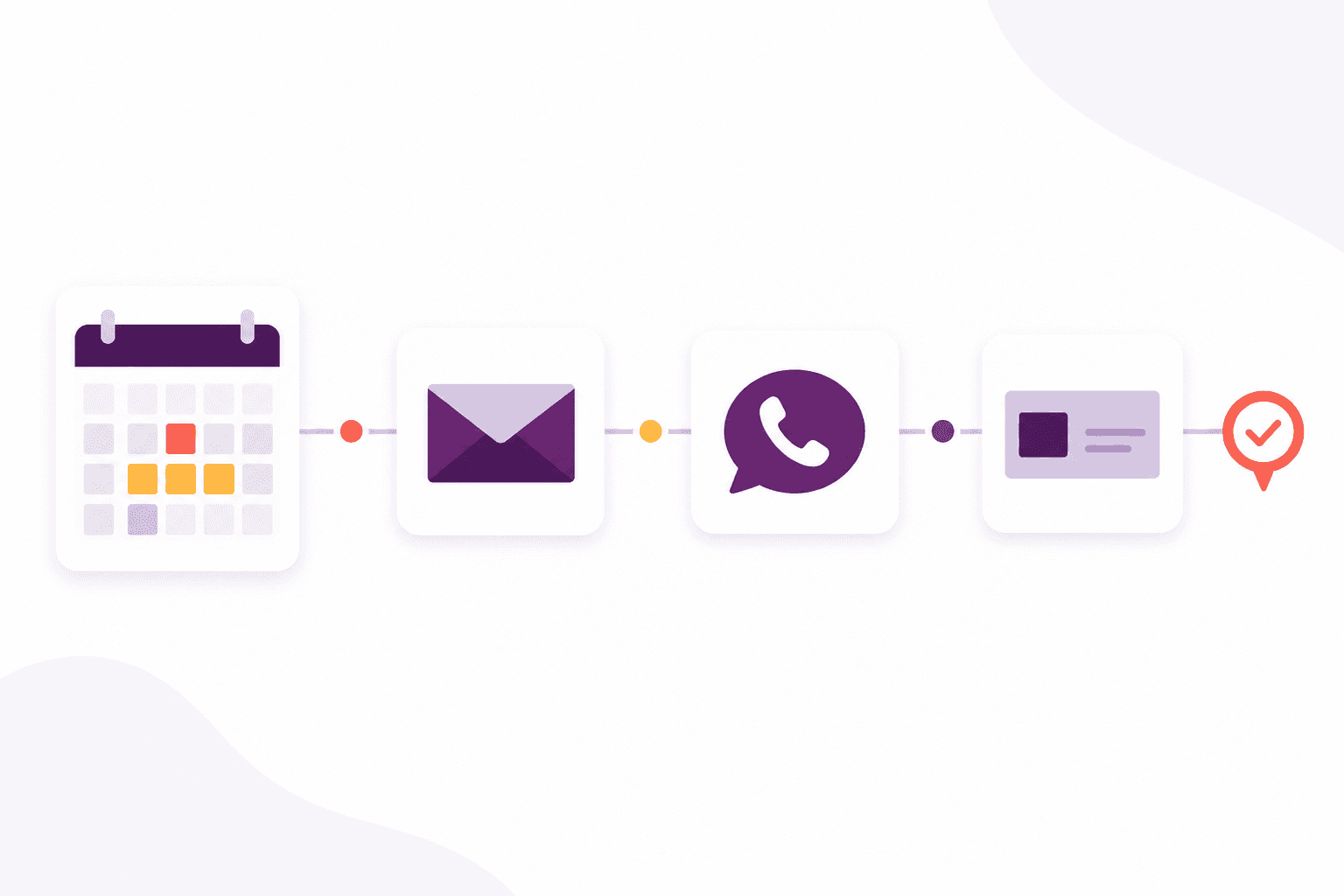
Write by email, text or learner push before a qualification runs out. If no digital route succeeds, Afanor prepares a personalised letter and can send it for automatic UK colour printing and posting.
Read about renewal reminders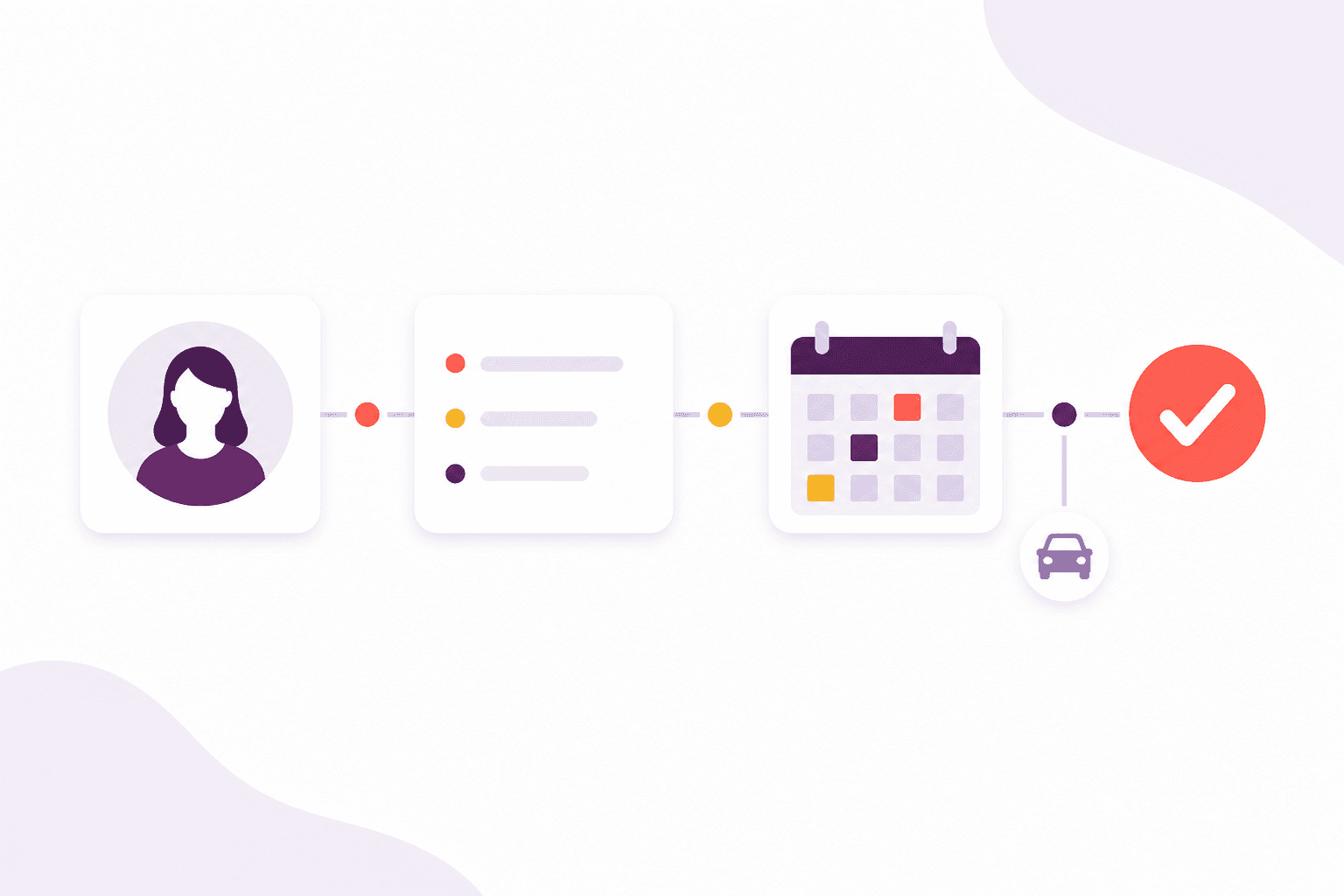
They confirm their details, pick today’s session and say what they already hold. Staff approve the changes before anything is saved or marked present.
Read about check-in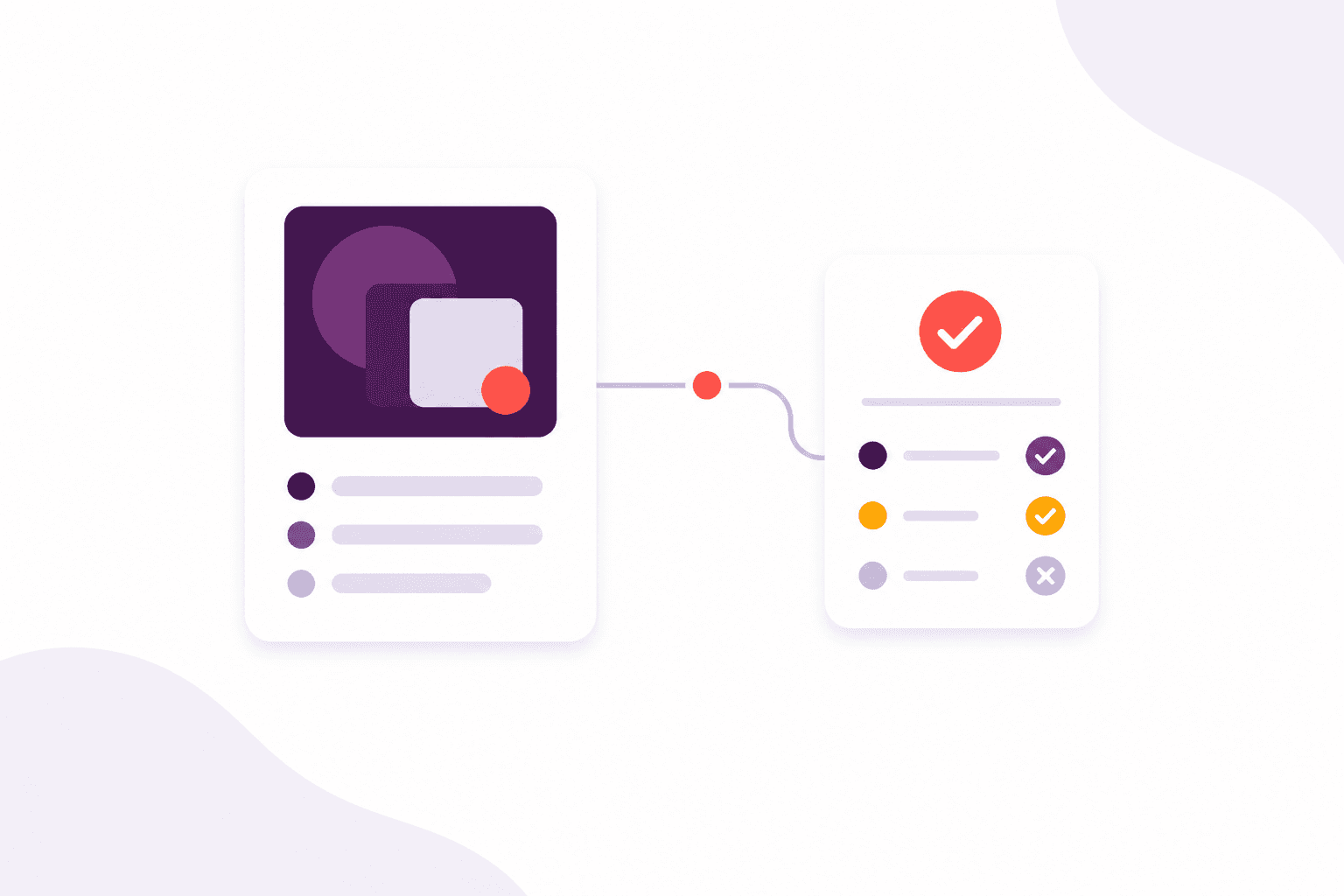
Build assessments with a pass mark, time limit and nine question types — including images or video. The right learners see them in the portal, and trainers can review the answers, not only the score.
Read about quizzes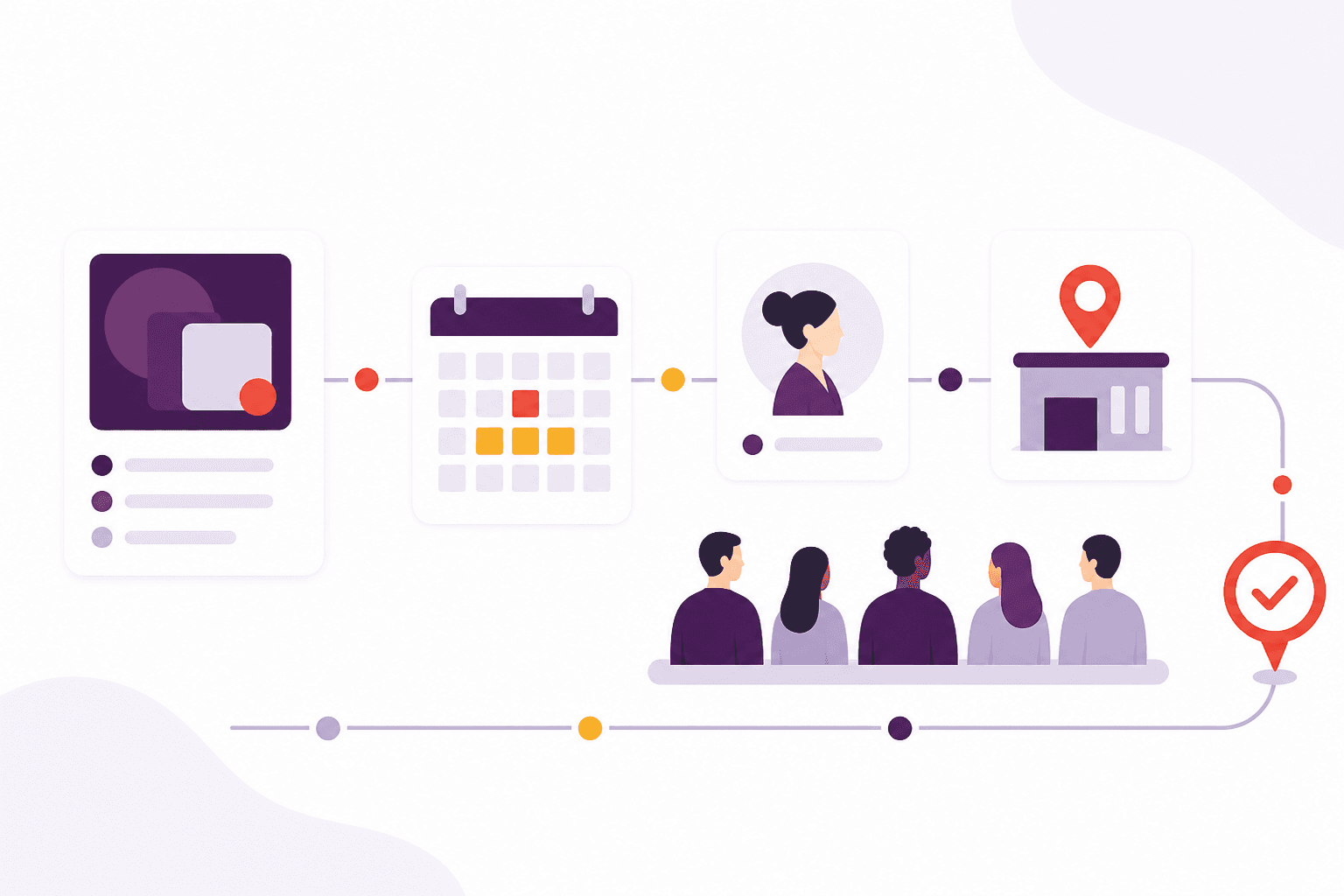
Plan multi-day courses with trainers, rooms and how many seats you have. Afanor warns when someone or somewhere is already booked, and still lets you hold spaces or take a walk-in.
Read about scheduling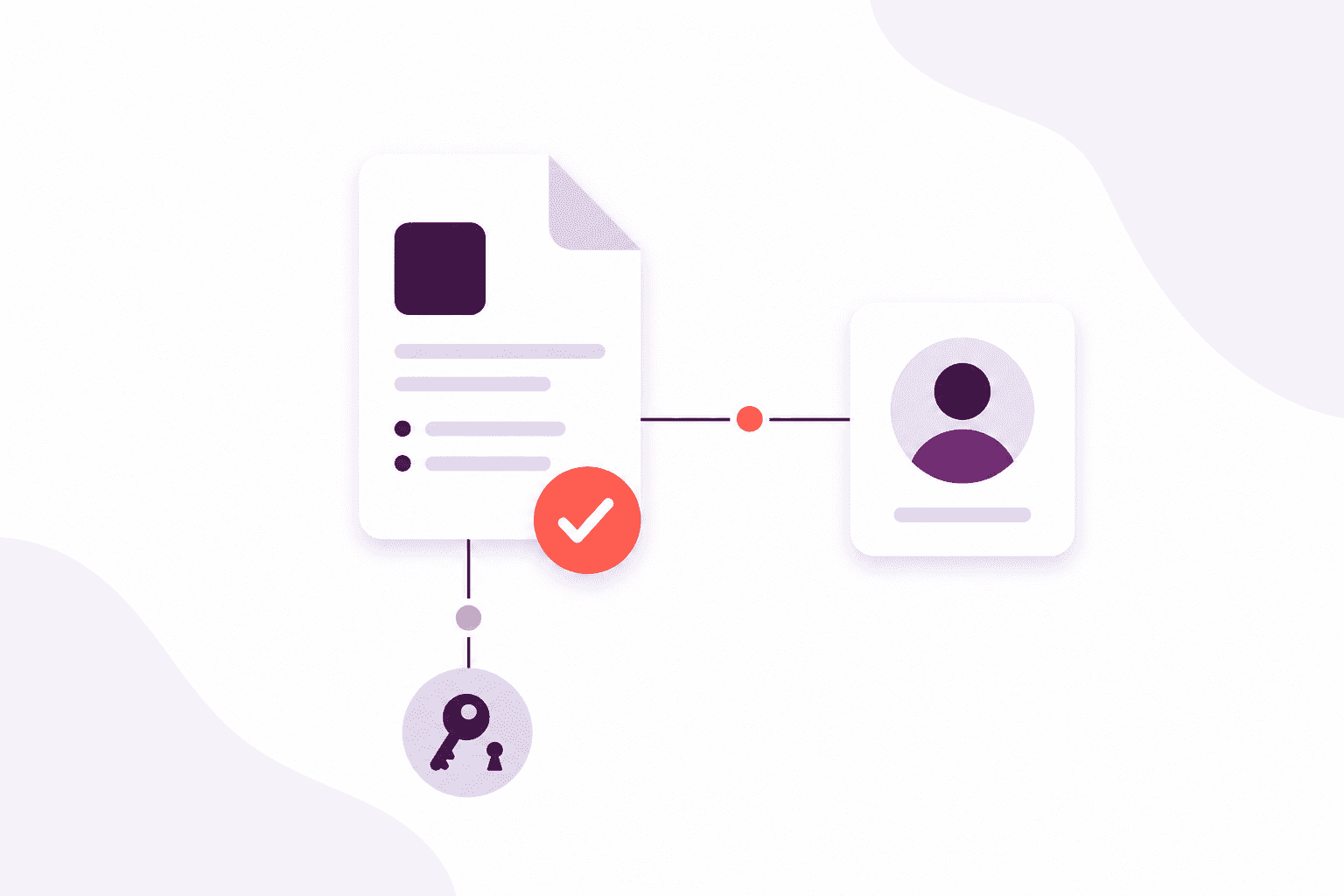
Keep certificates, identity documents and other evidence beside the award they support, with a review step before they count as verified.
Read about evidence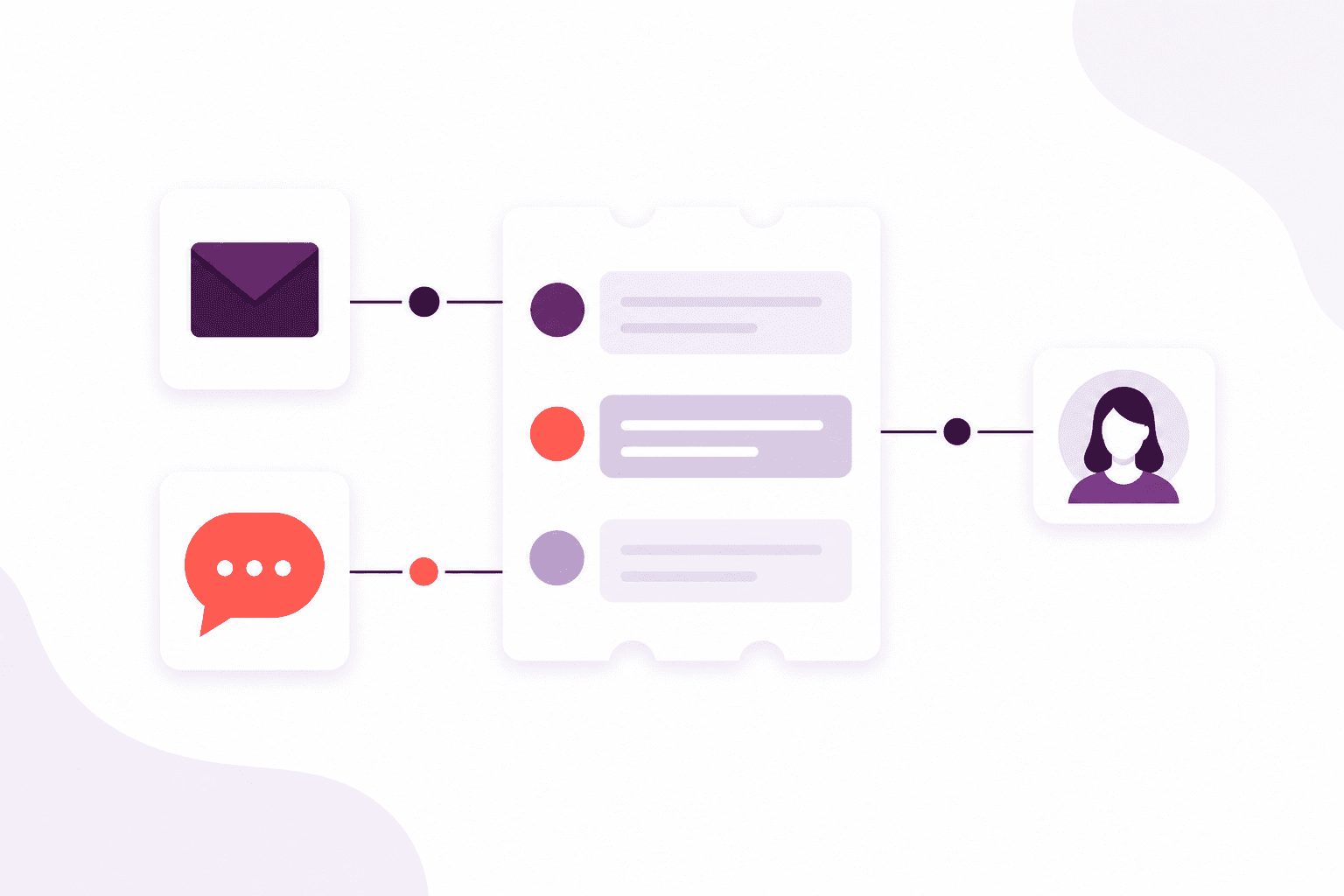
Email conversations land with the team, not in one person’s mailbox. Assign an owner, keep the thread, and see what is waiting or at risk of missing a deadline.
Read about shared inboxesSee the journey
Booking, teaching, awarding and following up are not separate products. They are the same people, moving through your organisation.
People
When someone phones, books or arrives, the team should already know who they are, who they work for, and what still needs doing.
Explore CRMTraining
Put courses, dates, trainers and rooms in one place, then carry check-in, quizzes and follow-up with the same learners — not a second set of names.
Explore trainingQualifications
Keep awarding bodies, rules and learner awards together, with the evidence behind them, so expiry is not a surprise buried in a spreadsheet.
Explore qualificationsCommunications
Remind people before a qualification lapses by email, text, push or letter. On Scale, incoming questions land with the team instead of one person’s mailbox.
Explore communicationsReporting
Who is expiring, which sessions are full, which quizzes people are failing — from the same work your team is already doing, not a separate tracker.
Explore reportingBuilt around your day
The administrator, the trainer and the person on the phone all see the same learner — from the first enquiry through the course and the renewal that follows.
01
One place to keep who they are, from the first conversation.
02
Courses, dates, trainers and rooms that do not collide.
03
Check people in, assess them, and keep the results with them.
04
Awards, evidence and reminders ready before something lapses.
For the whole team
Plan the diary, seat the learners and keep reminders moving without rebuilding the same list twice.
See who is coming, where you are teaching and what they already hold, before the session starts.
Answer the phone with the conversation, the booking and the qualification already in view.
Spot what is full, late or about to expire, from the same work the team is already doing.
Compare packages, or tell us how a typical week looks and we will help you choose.