
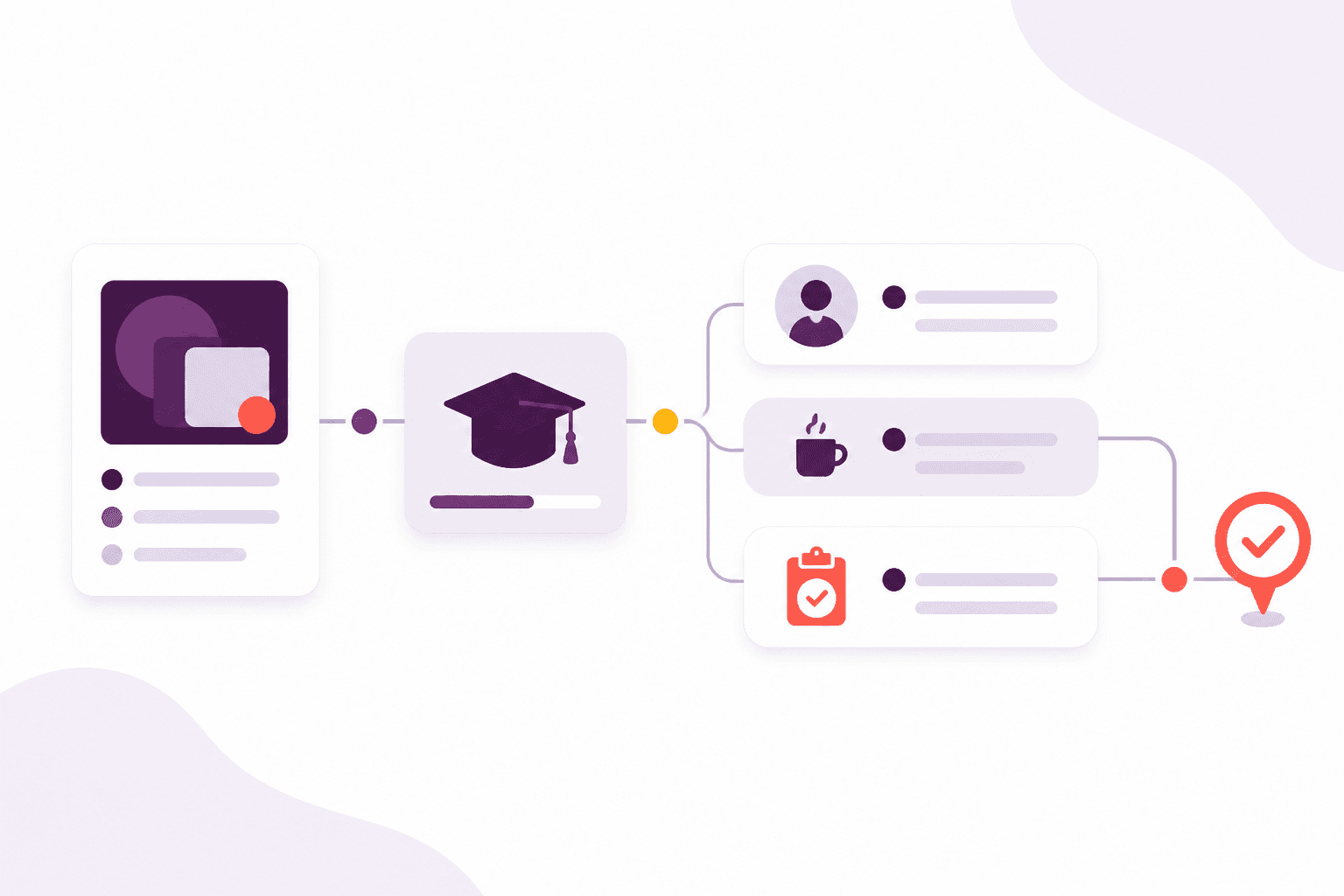
- Run the same course again next month without rebuilding the agenda
- Tie each course to the qualification it delivers
- Keep each learner’s goal, pathway and target date in one plan
Training features
Plan courses, fill the room, check people in, assess them and follow up afterwards — with the same learners you already know.
Afanor takes the diary, the people in the seats, the quiz they sit and the reminder that follows, and keeps them with the same learner.
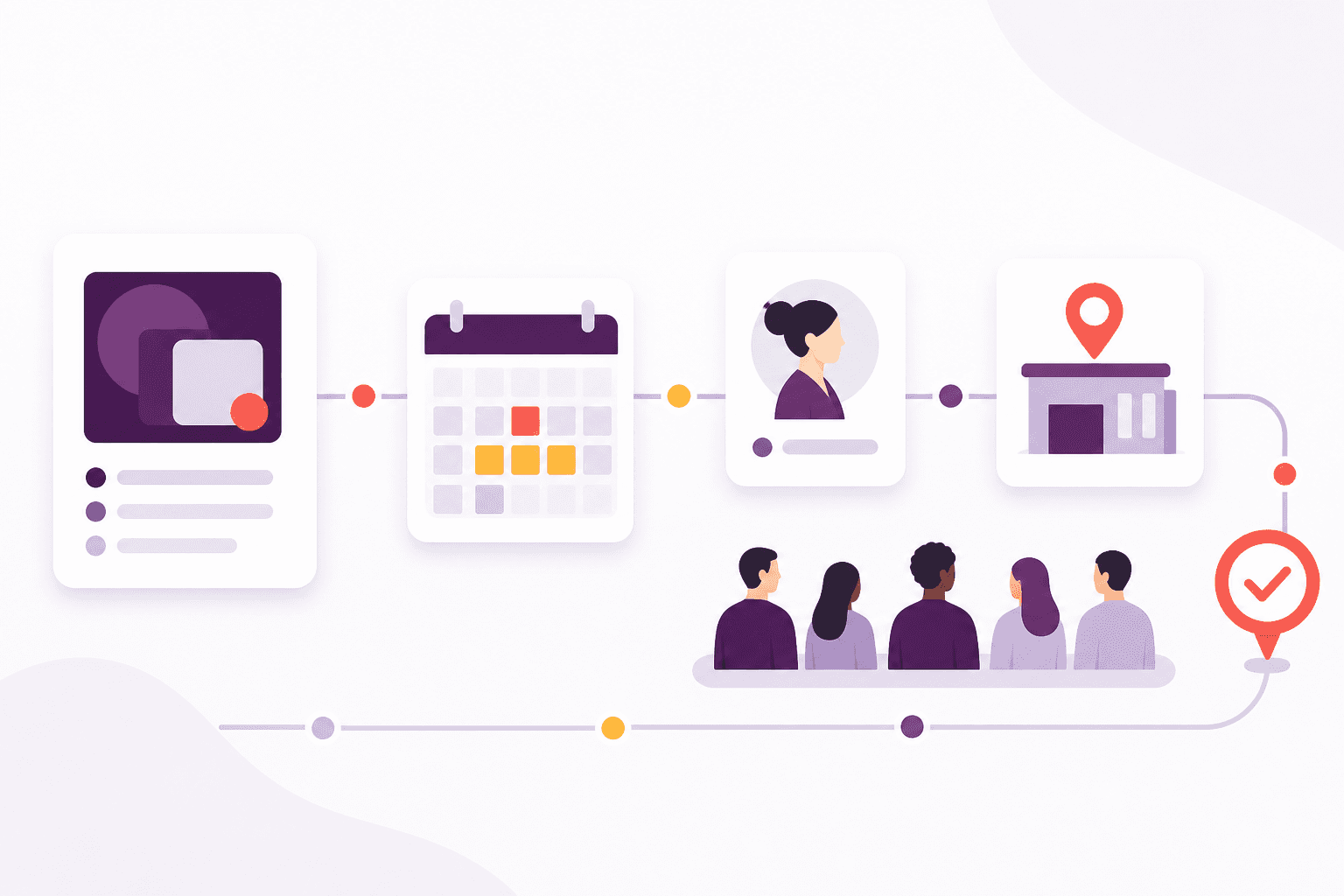
Build a reusable course and agenda, then put dates on the calendar with trainers, rooms and how many seats you have — with a warning if something is already booked.
They check themselves in, and sit the quiz that belongs to the qualification they are working towards.
Attendance, results and evidence stay with the person. Email, text and push reminders go out before an award runs out.
A closer look
These are the parts of the job your team can put to work straight away — focused on outcomes, not entity lists.
How it works
Each step stays with the same people, so the next person to pick up the work is not starting from an empty page.
Set the pathway, the course, the agenda and a diary that notices clashes.
Fill the seats, check people in and run the assessment.
Keep the results, then write before the award runs out.
Built for the team
Administrators, trainers and support staff keep their own work, without losing sight of the same person.
Run the diary, the seats and the reminders from one view of the week.
See who is coming, where you are teaching and what they already hold.
Know what is planned, what happened, and where follow-up is still open.
What this changes
Training sits with the rest of the week’s work, so you are not rebuilding the picture in another spreadsheet.
Getting started
We help you move across from the lists and trackers you already use, and set Afanor up around how your organisation actually works.
Discuss onboardingFrequently asked questions
Yes. The course holds the qualification, the usual size, how long it takes and the agenda. Each date then has its own timetable, trainers, room and learners.
They say who they are, confirm or correct their details, choose today’s session, review or declare qualifications, and can give a vehicle registration if the centre asks. Staff approve changes before anything is saved.
If you have letter fallback switched on, and email, text and learner push cannot reach them, Afanor prepares a personalised letter. You can download it anywhere, or send it for automatic colour printing and posting where UK postal fulfilment is enabled.
A published quiz belongs to a qualification. Learners who are enrolled or checked in on a course that delivers that qualification see it in their portal, up to the attempt limit you set.
Yes. They can see attempts, scores, whether the learner passed, how long it took and the answers themselves. You can limit trainers to the dates they are assigned to.
Works alongside
These parts of Afanor share the same people, so you are not starting again in another tool.
CRM
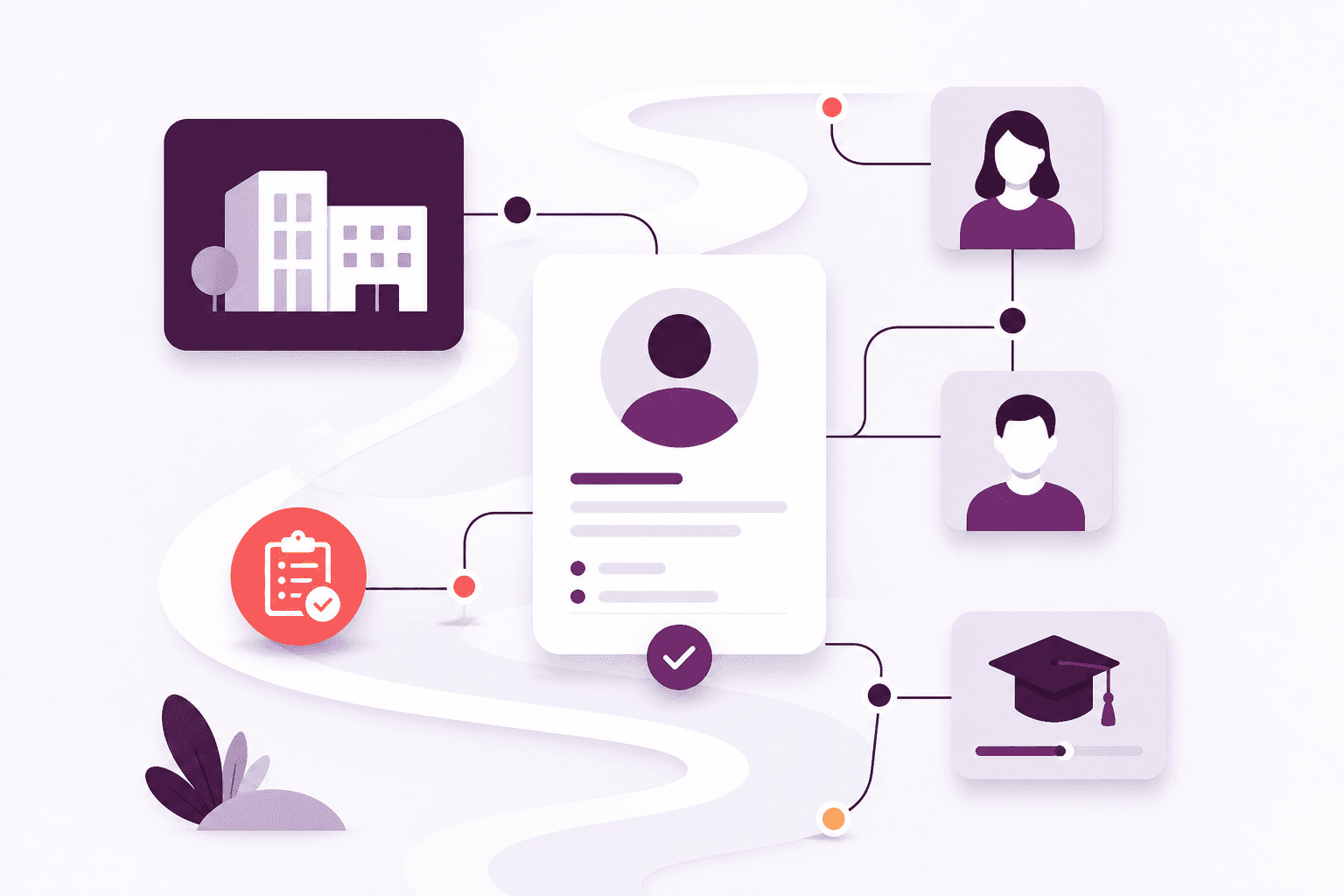
Stop keeping people in one spreadsheet and employers in another. Afanor holds who they are, how to reach them, and what still needs doing.
Explore CRM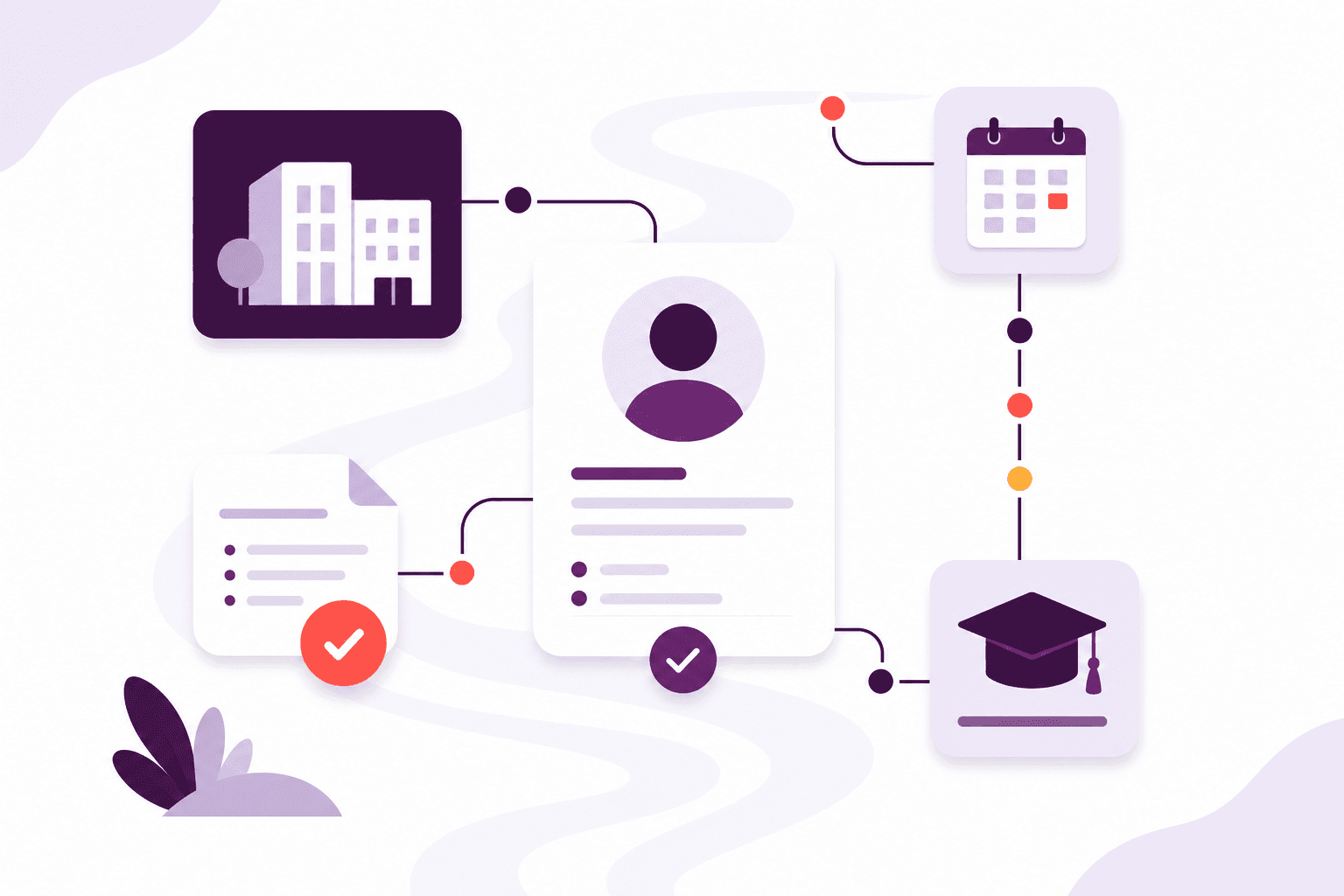
Qualifications
Set up awarding bodies and the rules that go with each award, then keep learner achievements, evidence and expiry together.
Explore Qualifications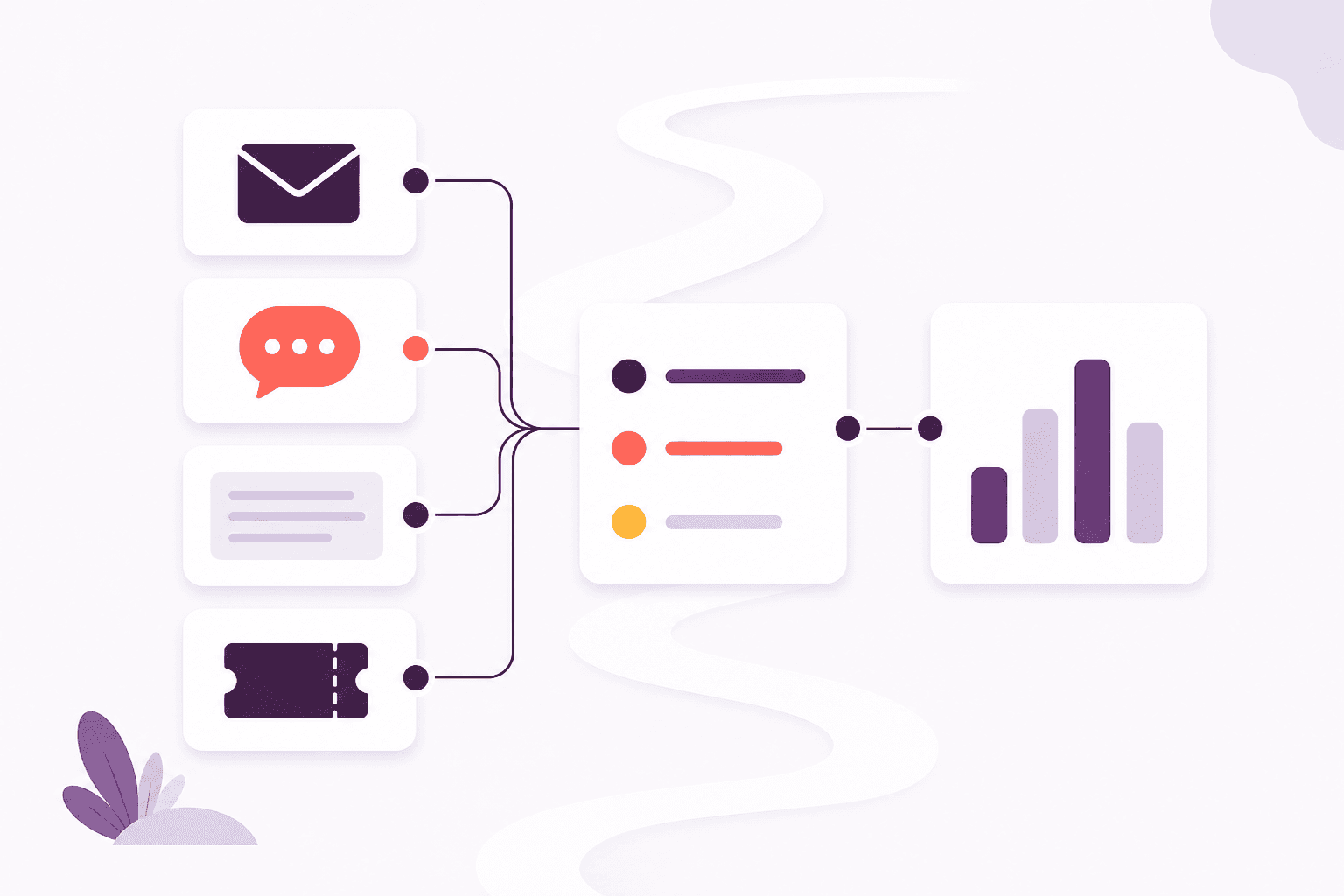
Communications
Remind people before a qualification lapses by email, learner push or letter. On Scale, incoming email lands with the team instead of one person’s mailbox.
Explore CommunicationsCompare packages, or tell us how a typical week looks and we will help you choose.