

- How many people and employers you work with
- Accounts that look healthy, growing or at risk
- Open and high-priority follow-up still waiting
Reporting features
Afanor turns the people, courses and awards your team already keeps into a clear view of what is on track, what is late, and what needs a decision.
Reporting in Afanor comes from CRM, training, qualifications and the messages you send. You can see who is fine, who needs attention, and how delivery is going.
See who you work with, which accounts need attention, and which follow-ups still have no owner.
See dates, attendance, how plans are going, quiz scores, pass rates and the detail behind an attempt.
See what is valid, expiring or gone, and whether reminders arrived by email, text, push or letter.

A closer look
These are the parts of the job your team can put to work straight away — focused on outcomes, not entity lists.
How it works
Each step stays with the same people, so the next person to pick up the work is not starting from an empty page.
Capture what happens as you run the week.
Use that same work to see progress, exceptions and outcomes.
Give the team a next step without exporting another spreadsheet.
Built for the team
Administrators, trainers and support staff keep their own work, without losing sight of the same person.
See this week’s activity and the exceptions across people, courses and awards.
Use the same facts as the people doing the work, not a copy that is already out of date.
Build a clearer picture from information the organisation already trusts.
What this changes
Reporting sits with the rest of the week’s work, so you are not rebuilding the picture in another spreadsheet.
Getting started
We help you move across from the lists and trackers you already use, and set Afanor up around how your organisation actually works.
Discuss onboardingFrequently asked questions
They use the people, courses, awards and reminders your team already keeps as they do the work.
Yes. Reporting highlights accounts at risk, overdue follow-up, expiring awards and problems in the diary.
Yes. They can see attempts, average score, pass rate, outcome, correct answers, duration and the answers themselves. You can limit trainers to the dates they teach.
Yes. CRM reports can be filtered, paged and exported as CSV when you need to take the picture into another conversation. The live view stays the one your team works from.
Works alongside
These parts of Afanor share the same people, so you are not starting again in another tool.

Training
Schedule the course, check learners in, run the quiz and follow up before a qualification lapses — without starting again in another tool.
Explore Training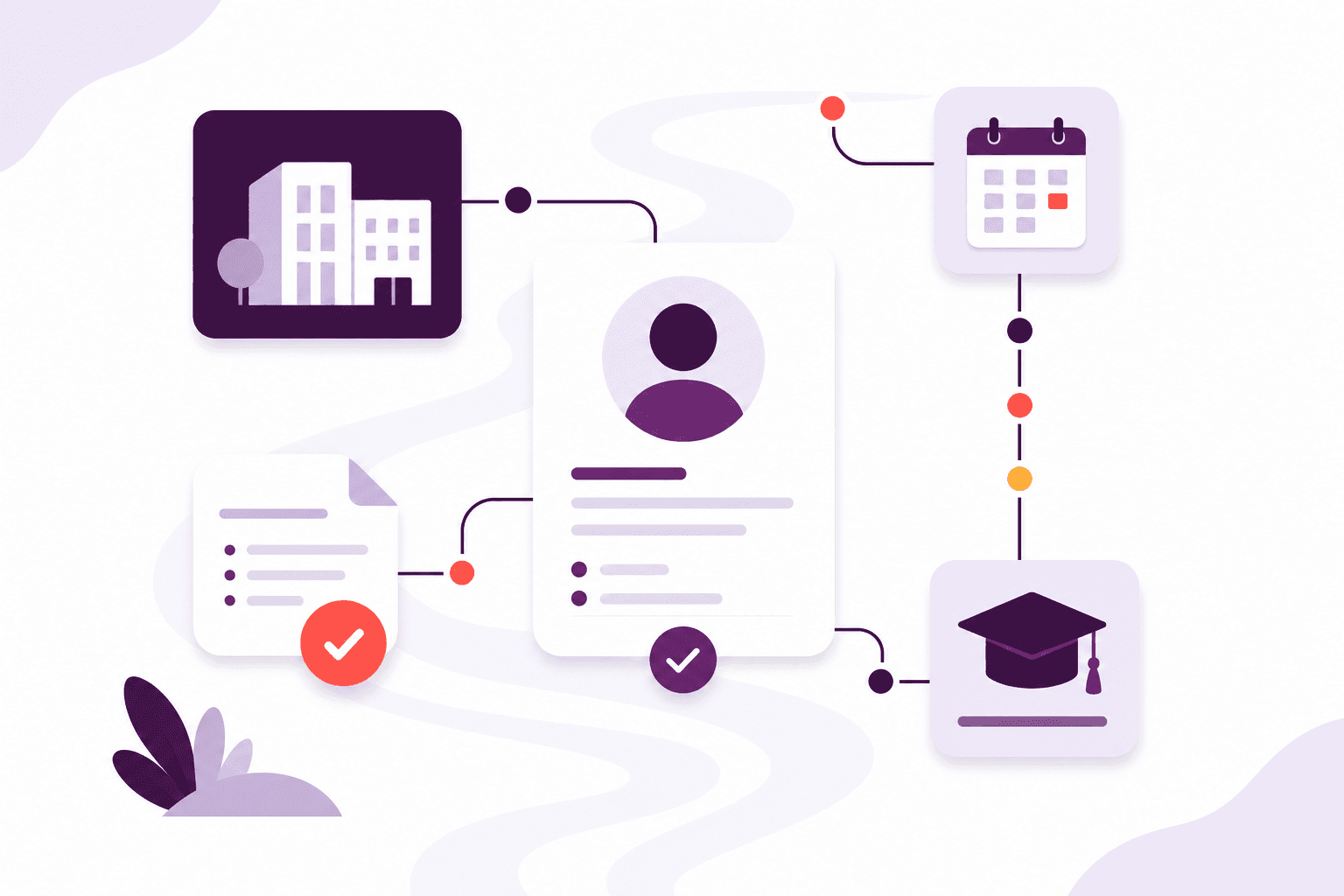
Qualifications
Set up awarding bodies and the rules that go with each award, then keep learner achievements, evidence and expiry together.
Explore Qualifications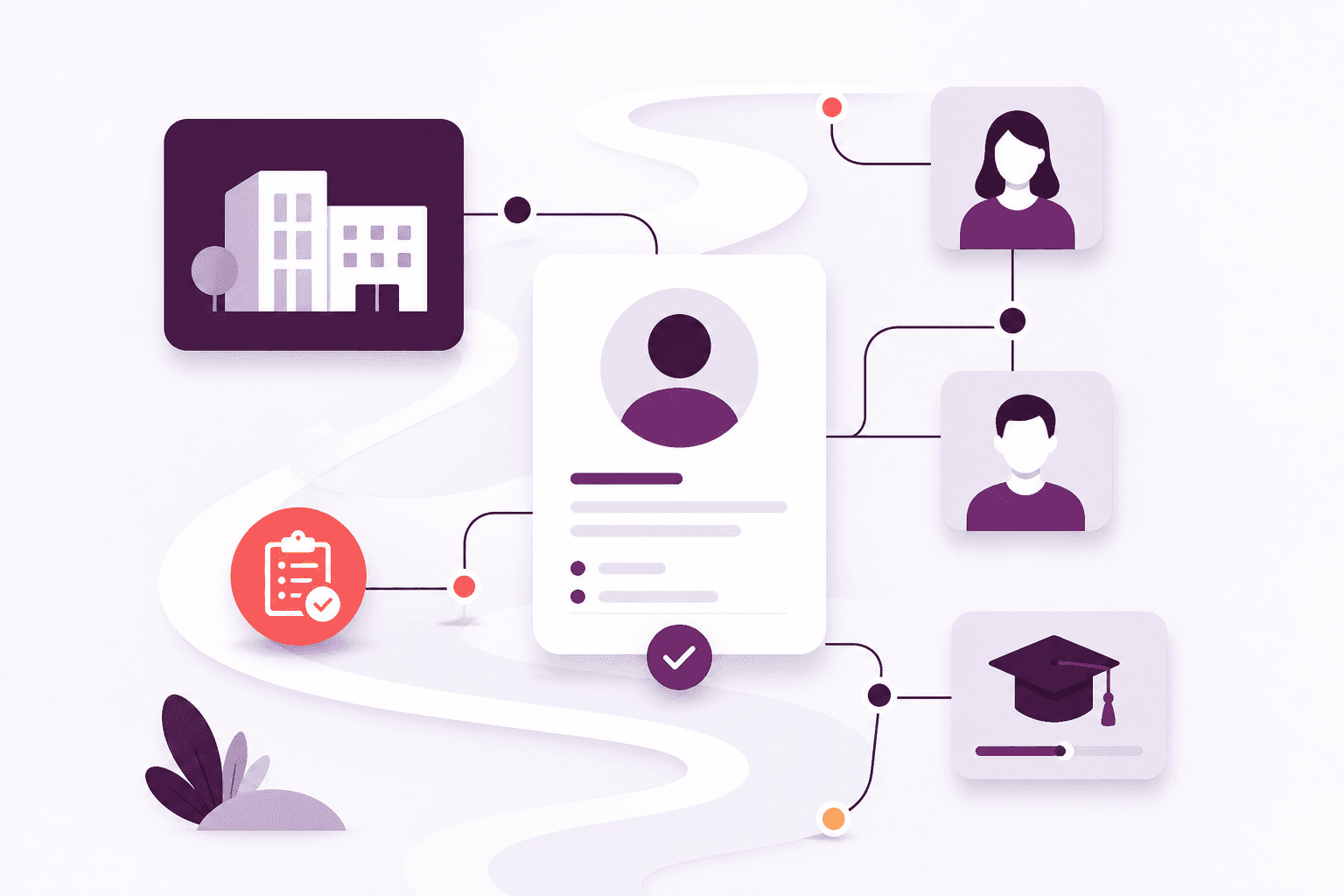
CRM
Stop keeping people in one spreadsheet and employers in another. Afanor holds who they are, how to reach them, and what still needs doing.
Explore CRMCompare packages, or tell us how a typical week looks and we will help you choose.