
Evidence you can defend
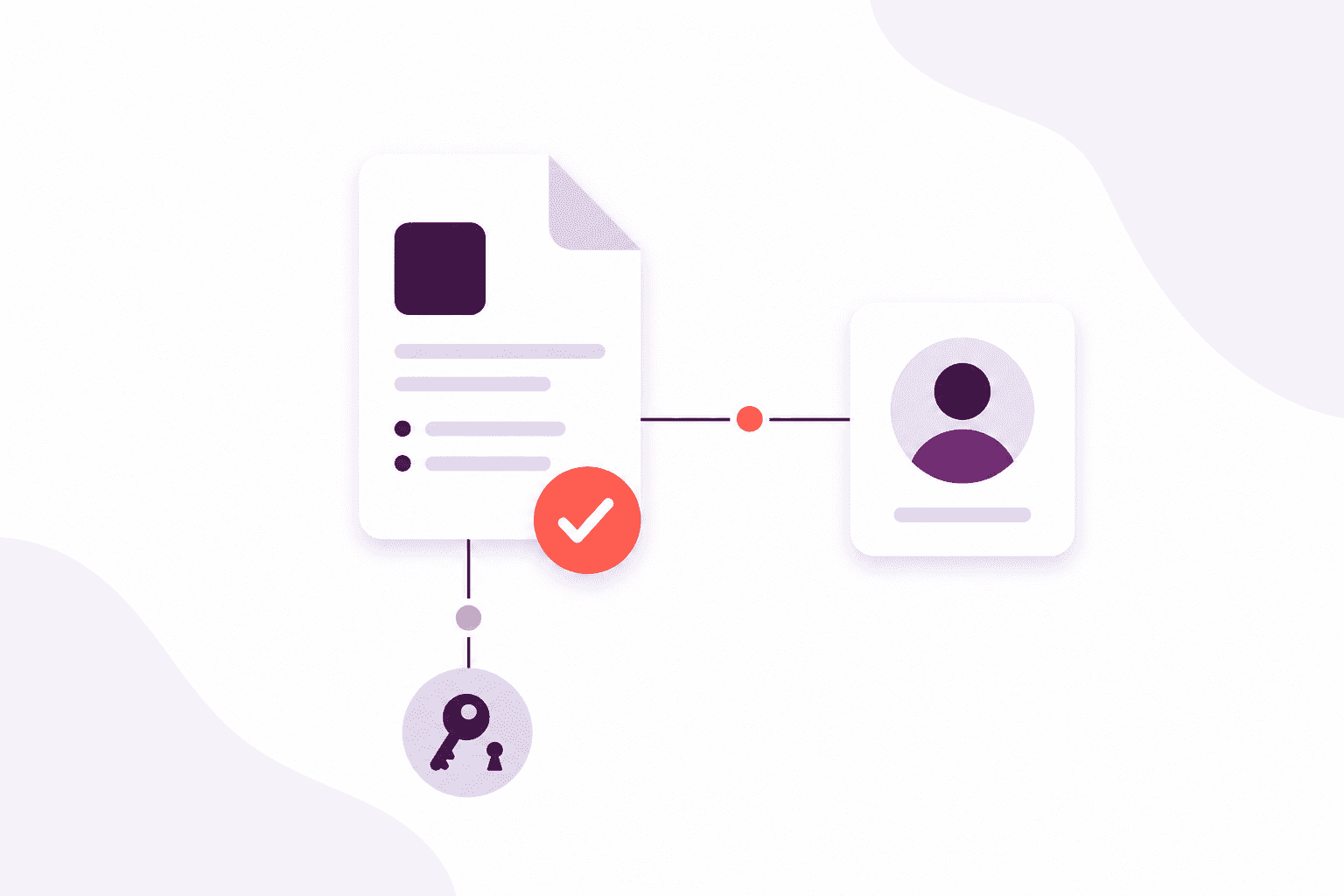
- Uploads with review, verification and expiry on the file itself
- Passports, right-to-work papers, previous certificates and more
- Verify or archive with a confirm step before anything is removed
Training
Keep the paperwork with the person, and give learners a door into their own quizzes.
How it helps
Keep the paperwork with the person — reviewed, verified and in date. When someone asks for proof, you open the learner and the evidence is already there.
Invite learners to a portal when they need it. They sit the quizzes they are eligible for and see how they did — still connected to the same record your team uses.
Why it matters
The outcomes your team gains from this part of Afanor — written for training administrators, not database designers.
More in this area
Afanor takes the diary, the people in the seats, the quiz they sit and the reminder that follows, and keeps them with the same learner.
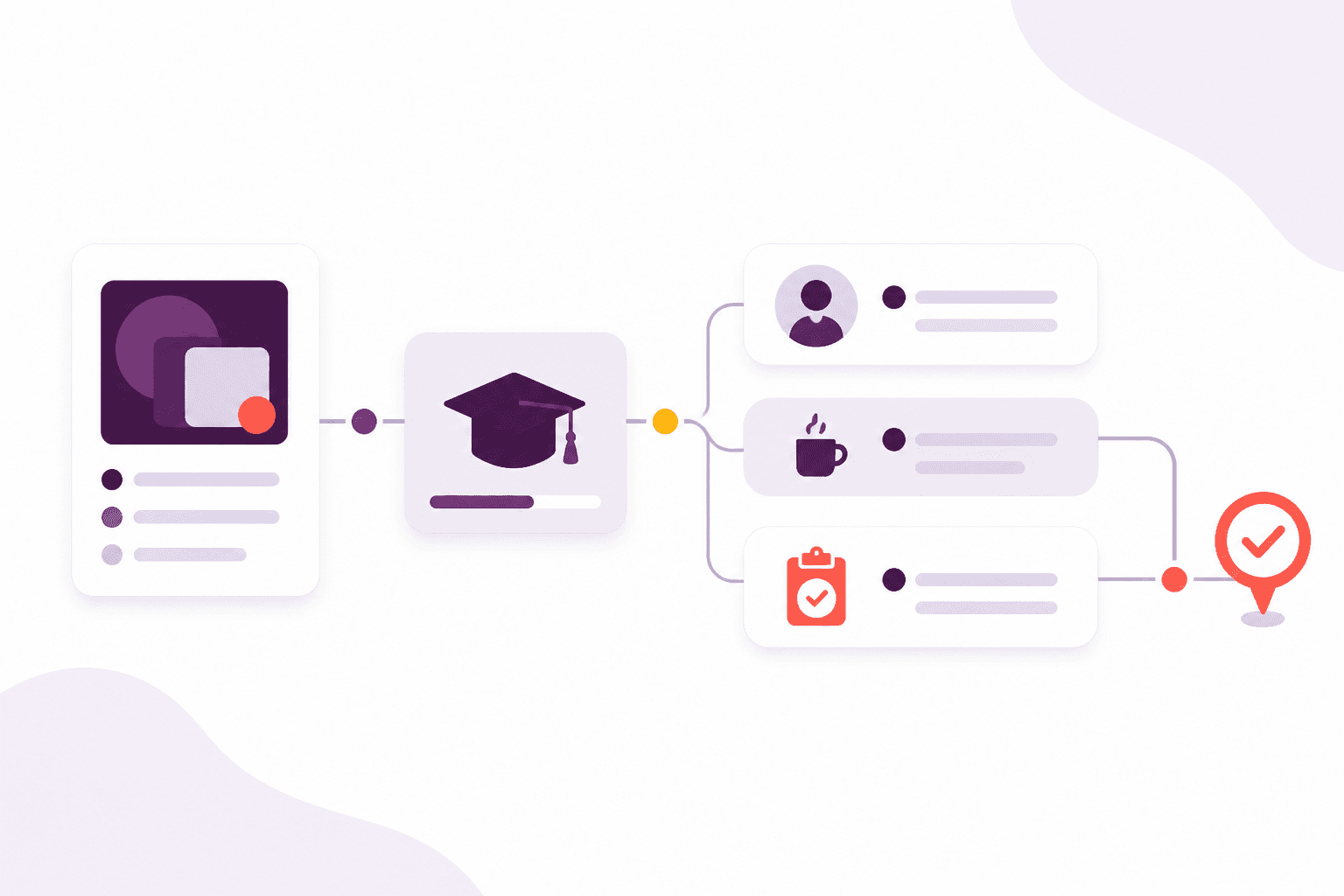
Turn a qualification and a learner’s goal into something you can run again next month.
Explore this feature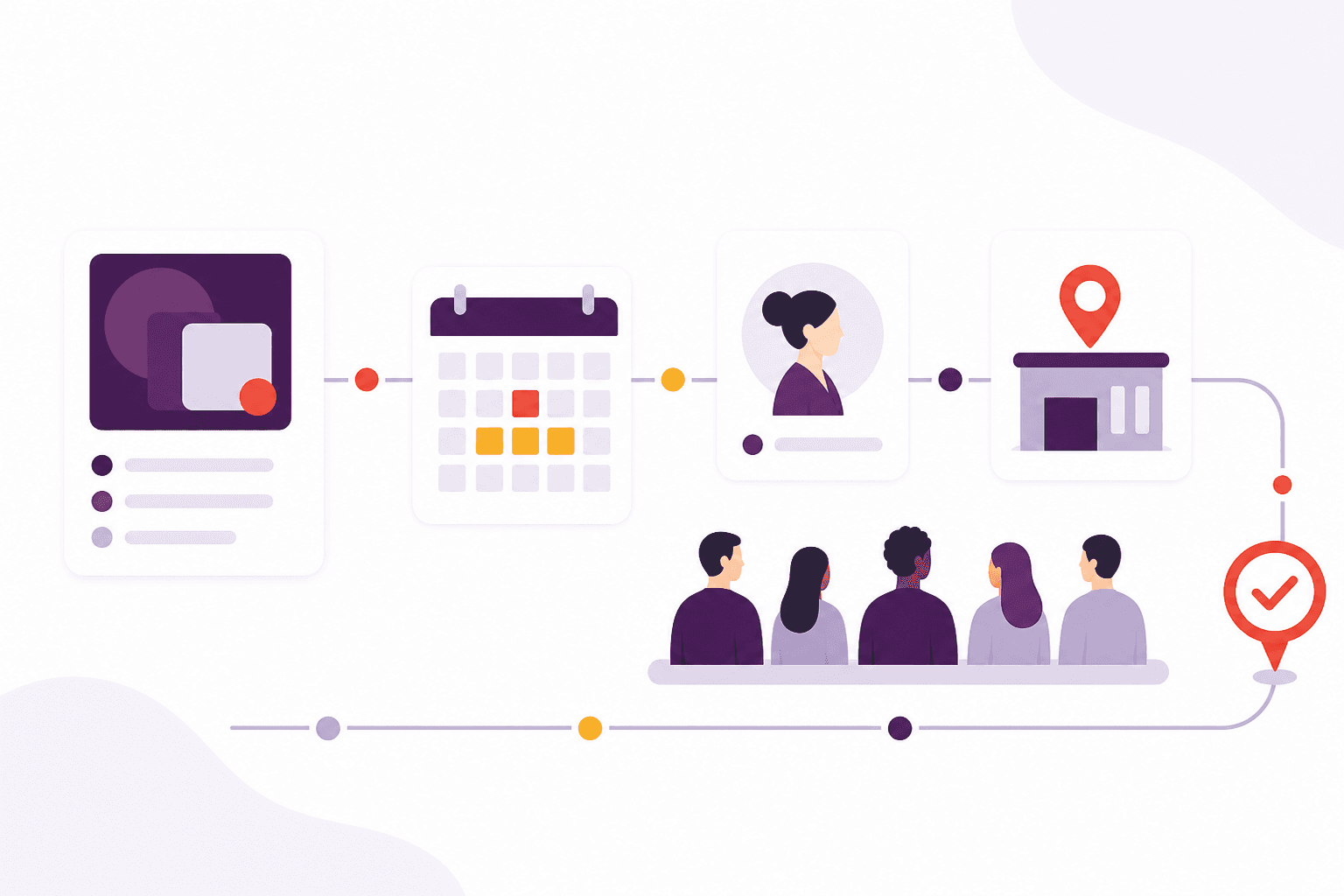
See the clash before it ruins the morning, not after two groups arrive at the same door.
Explore this feature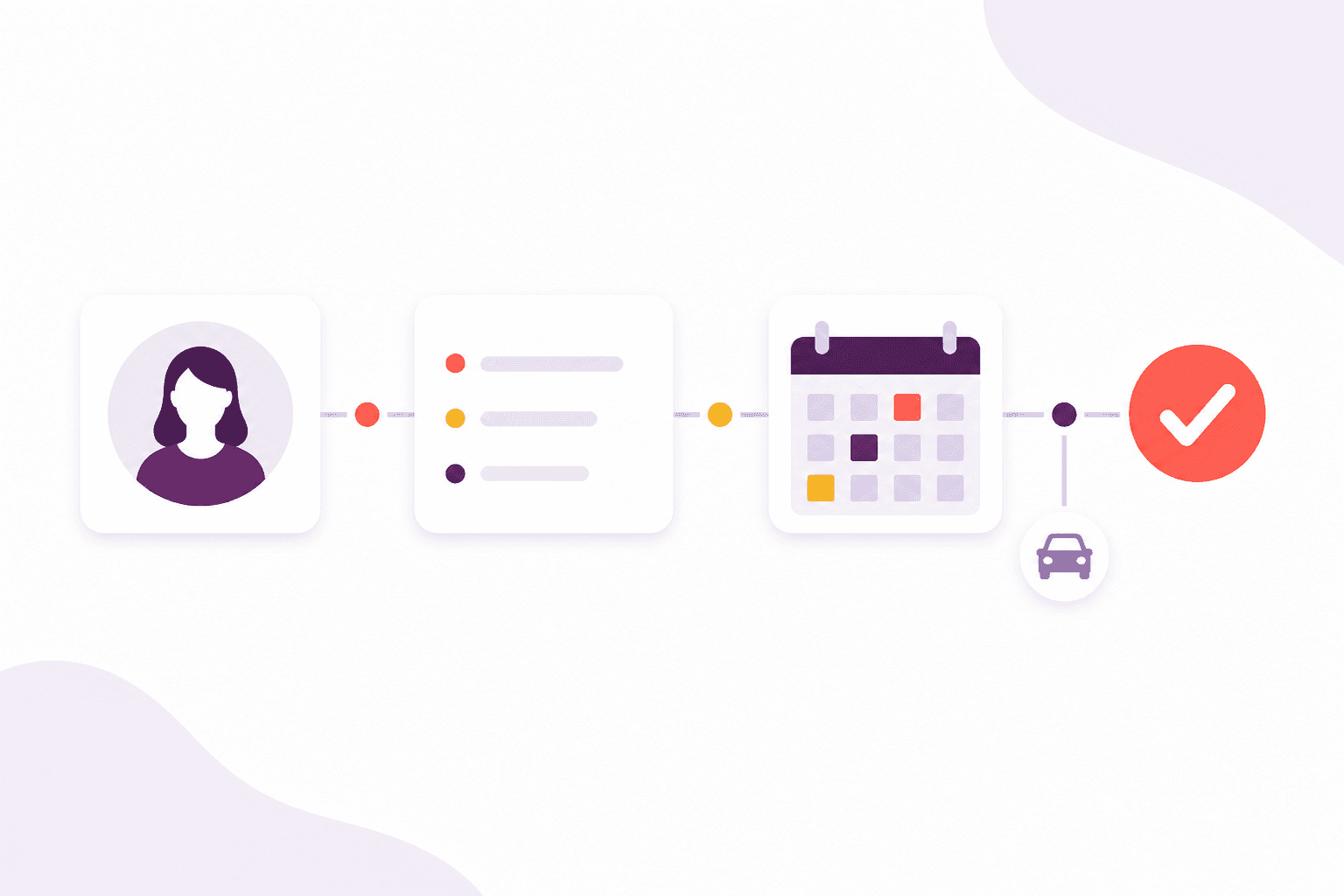
Collect the truth at the door, then let staff decide what is saved.
Explore this feature
Assess people as part of the course, not in a separate quiz tool that nobody else can see.
Explore this feature
Write before an award lapses, without someone remembering to open the spreadsheet.
Explore this featureFrequently asked questions
A published quiz belongs to a qualification. Learners who are enrolled or checked in on a course that delivers that qualification see it in their portal, up to the attempt limit you set.
Works alongside
These parts of Afanor share the same people, so you are not starting again in another tool.
CRM
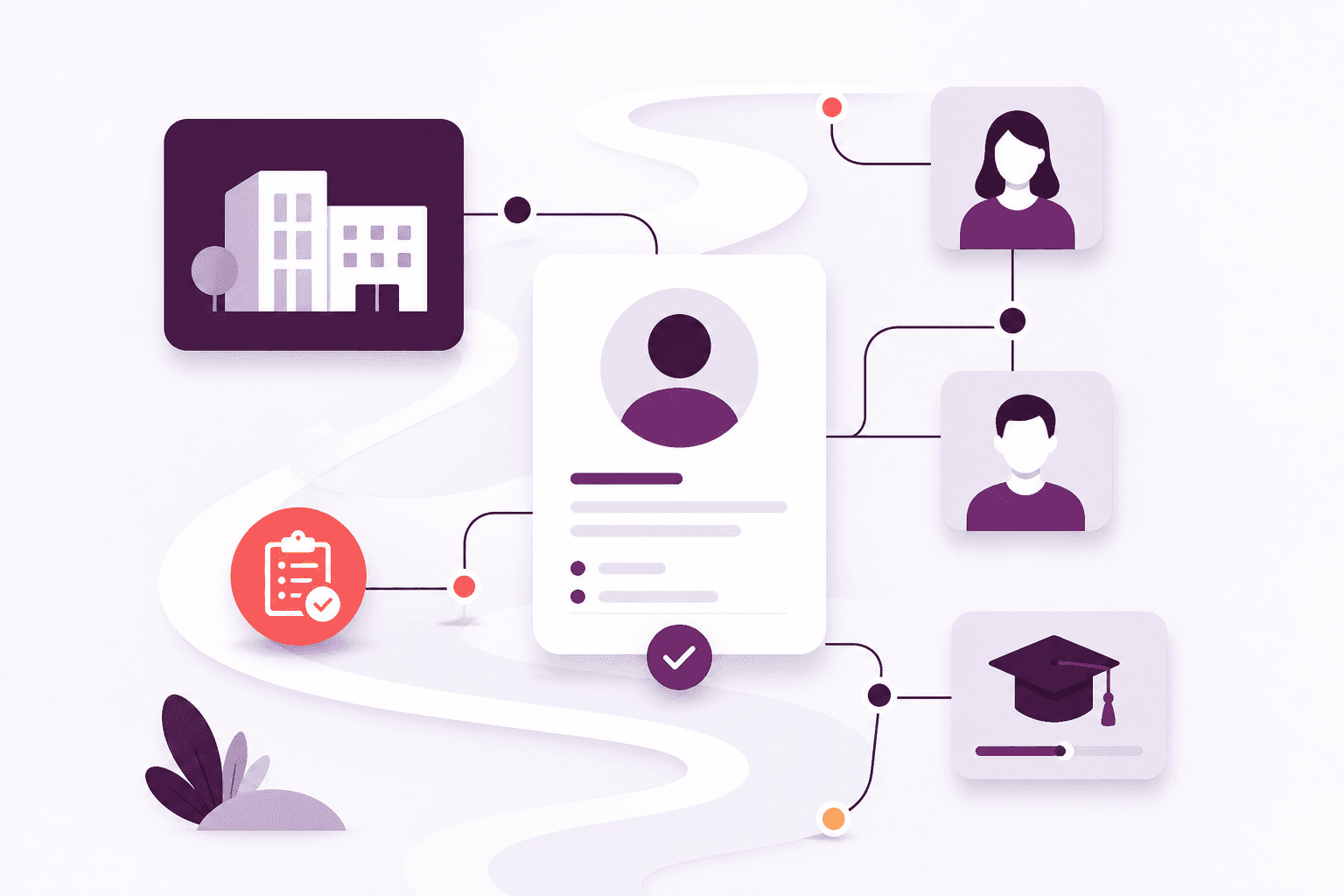
Stop keeping people in one spreadsheet and employers in another. Afanor holds who they are, how to reach them, and what still needs doing.
Explore CRM
Qualifications
Set up awarding bodies and the rules that go with each award, then keep learner achievements, evidence and expiry together.
Explore Qualifications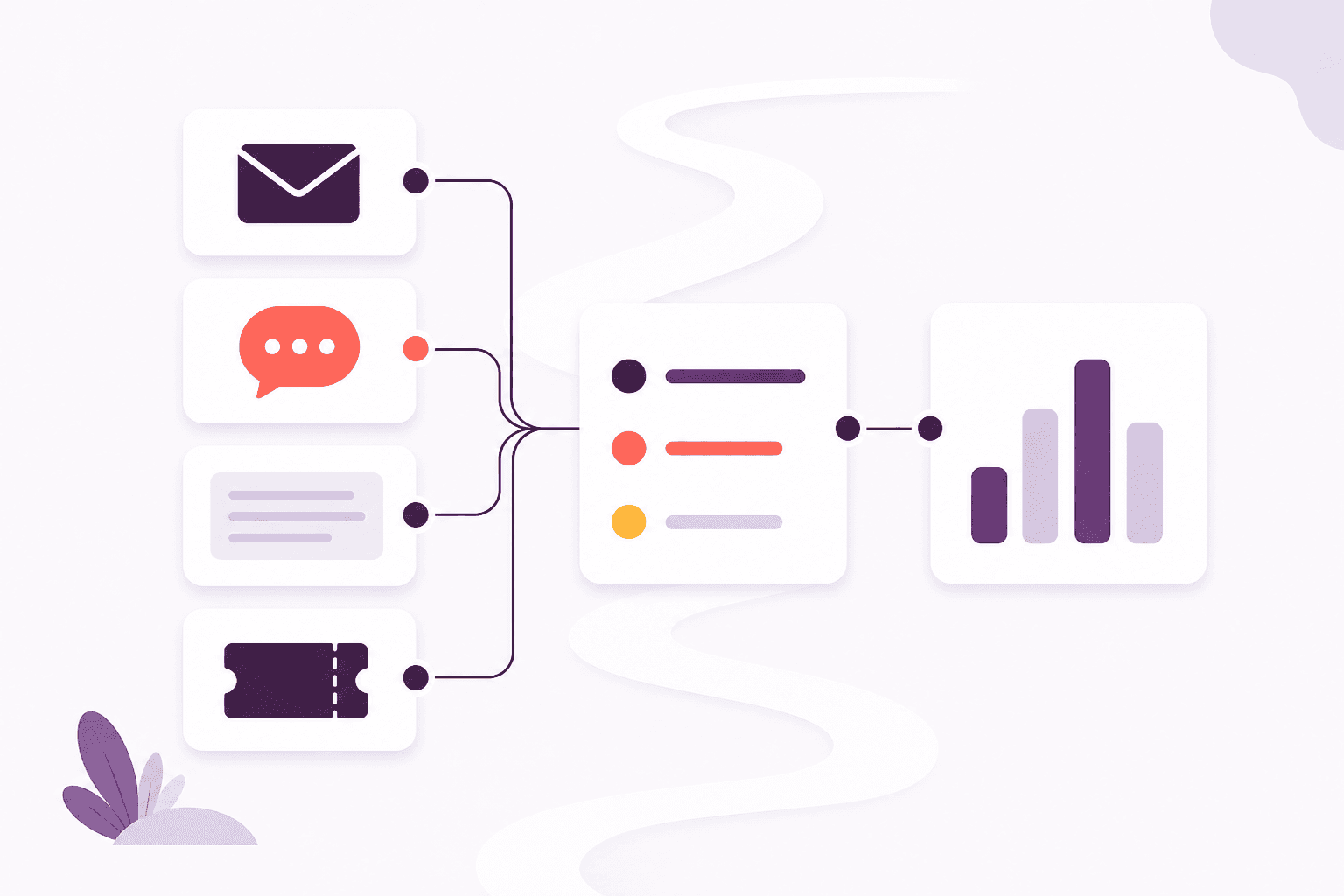
Communications
Remind people before a qualification lapses by email, learner push or letter. On Scale, incoming email lands with the team instead of one person’s mailbox.
Explore CommunicationsCompare packages, or tell us how a typical week looks and we will help you choose.