
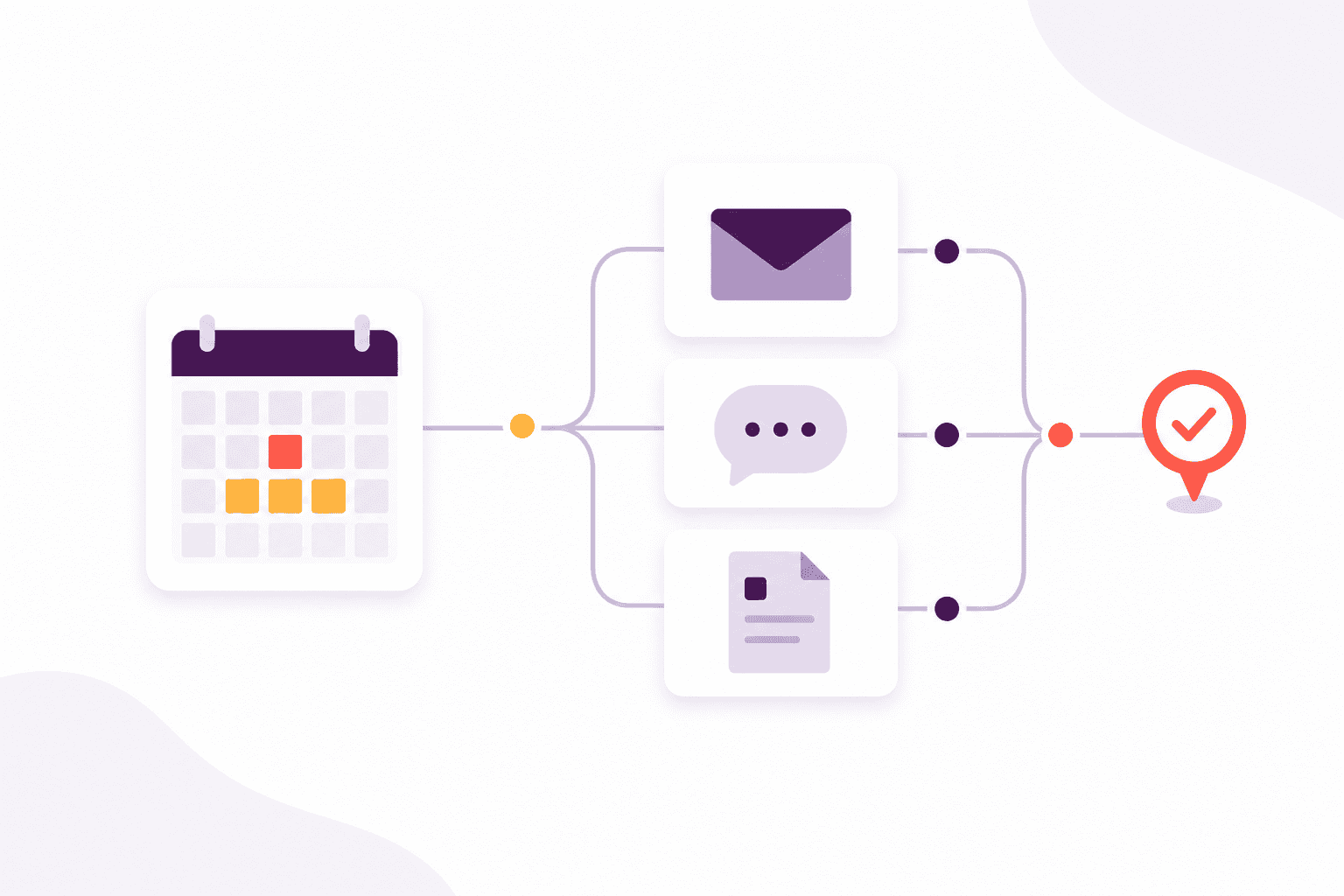
1. Start with the qualification record
The walk-through begins on the learner’s qualification record. The award, achieved date, expiry date and supporting evidence stay together, so the renewal journey starts from a dependable record rather than a separate reminder list.
Afanor uses the qualification rule and expiry date to make upcoming work visible while there is still time to act.
2. Turn expiry risk into an owned action
Open the renewal action to see what needs to happen, who owns it and the next relevant date. Teams can distinguish an early warning from an overdue renewal instead of treating every expiry as equally urgent.
- See the learner, qualification and employer context together
- Assign an owner and a clear next action
- Keep exceptions visible for human follow-up
3. Follow reminders and replies
The communication history shows which reminders were sent and whether the learner or employer replied. That context stays available to the team, avoiding duplicate messages and repeated questions when ownership changes.
4. Connect the course booking
Once the learner is booked, the course plan becomes part of the renewal story. Attendance, assessment and evidence can progress without copying the same learner details into another tracking file.
5. Close the loop with evidence and reporting
When the new award is recorded, the evidence and validity dates update the learner’s qualification position. Reporting can then show completed renewals, remaining risks and overdue actions from the same underlying records.
For a personalised walk-through using your own workflow and terminology, book a conversation with the Afanor team.