
Feature spotlight: learner self-service and course check-in is an operational question before it is a technology question. Training teams need dependable information, clear ownership and enough time to act. When the process is split across spreadsheets, calendars, inboxes and shared drives, staff spend valuable time reconstructing the same position and checking whether somebody else has already dealt with it.
This article examines learner self-service, course check-in, attendance management in the context of day-to-day training administration. It focuses on practical controls, measurable time savings and a realistic move from manual work to connected records. The aim is not to automate every decision. It is to make routine work consistent and ensure the exceptions needing judgement become visible early.
Where the manual process becomes expensive
Paper registers and reception lists push every correction onto staff. Learners queue to confirm details, handwriting is interpreted later and attendance is re-entered after delivery. Late arrivals, unexpected attendees and accessibility needs can be missed in the rush.
The hidden burden becomes clearer when learner self-service, course check-in and attendance management are considered together. Each manual hand-off introduces another opportunity to retype a value, overlook an update or create a private workaround. Count how often the team searches, checks and corrects as well as how often it enters new information. Those frequencies provide a stronger improvement baseline than an estimate based on one ideal transaction.
What a connected system changes
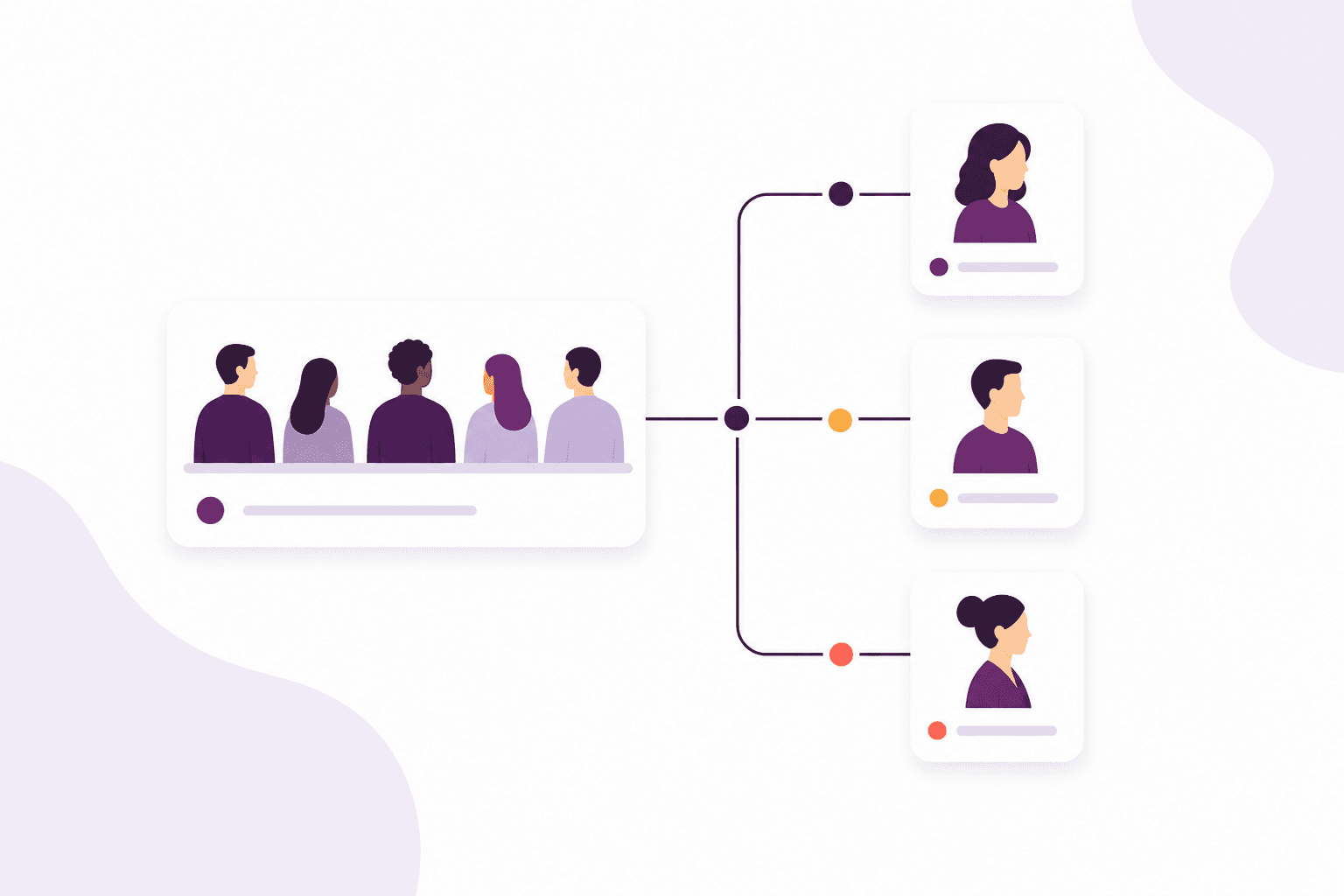
Learner self-service can let the person confirm arrival or approved details while the booking remains authoritative. Staff see the live attendance position and handle exceptions. The course check-in becomes part of the delivery record instead of a temporary sheet waiting to be processed.
Connected learner self-service gives course check-in an operational meaning. Instead of asking users to remember which workbook or inbox contains the next clue, the platform presents related records and recent activity together. A well-designed workflow makes exceptions obvious, preserves an audit trail and keeps routine updates consistent. That is materially different from transferring a spreadsheet into a larger database.
Follow the work from beginning to end
Test on-time arrival, a late learner, someone booked under an old name and an unexpected attendee. Define what the learner can change, what needs staff approval and how the system behaves without reliable connectivity. The fallback must preserve a clean audit trail.
Do not test learner self-service only with perfect information. Include a record with missing attendance management, an urgent change and a case that should stop rather than progress. Confirm that warnings are understandable and that the team can recover without creating a private note. Exception testing is where the operational value of a training management system becomes most visible.
Calculate time saved without exaggeration
Compare register preparation, queue handling, post-course entry and correction time. Include delays to the session and time spent matching unreadable or incomplete entries. The value of check-in is a faster, cleaner start and an attendance record ready for the next workflow.
For feature spotlight: learner self-service and course check-in, compare a stable period before and after the learner self-service change. Record volume, active minutes, rework and overdue items. Avoid measuring only enthusiastic early adopters or counting all elapsed waiting as staff time. A modest, repeatable saving backed by clear data creates a stronger business case than a dramatic estimate that colleagues cannot reproduce.
Keep reminders and automation accountable
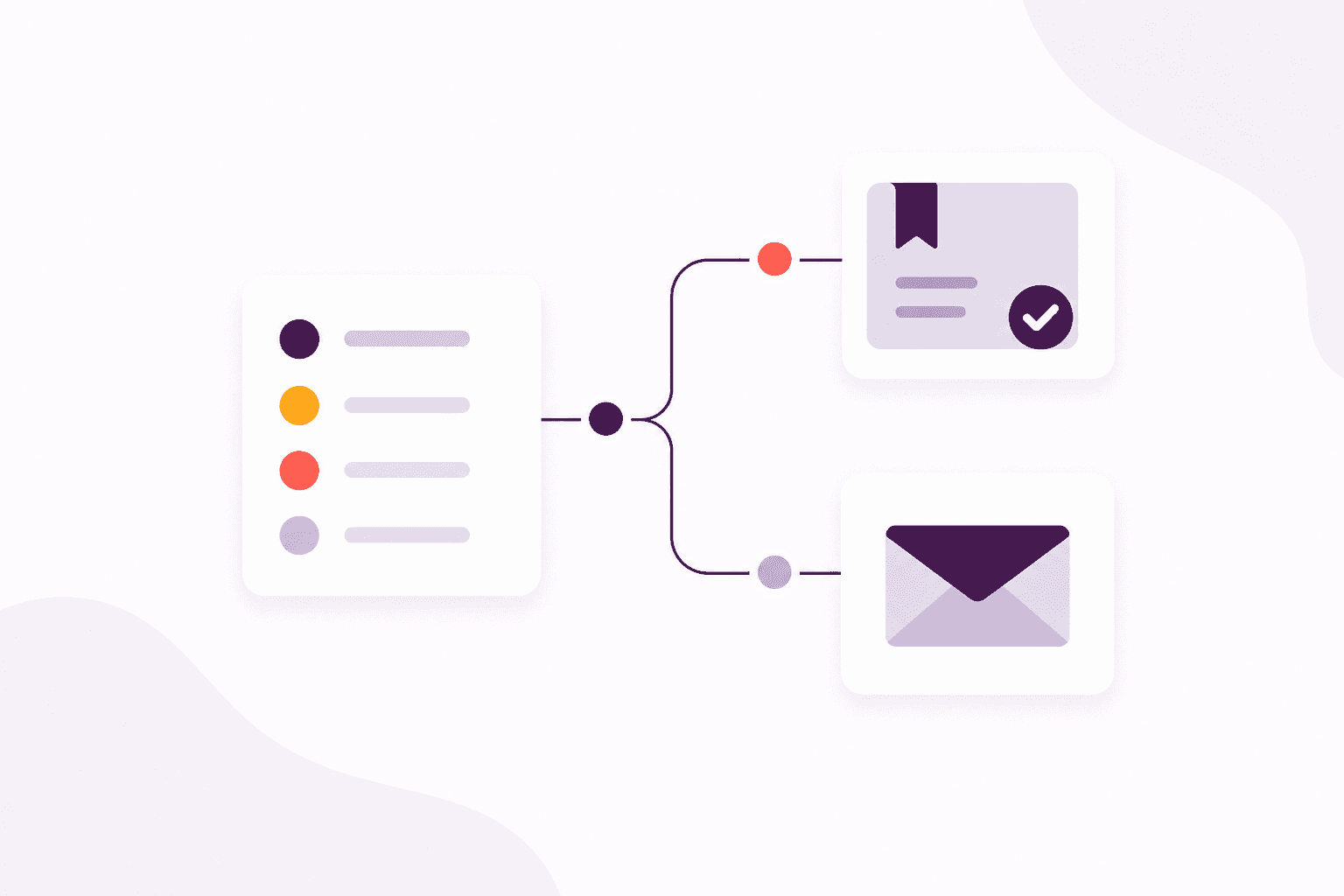
The safest automation for feature spotlight: learner self-service and course check-in removes predictable effort while keeping learner self-service decisions understandable. Give each rule a business owner, document its timing and make failed actions visible. Review whether recipients act, not merely whether messages or tasks were generated. Where judgement affects a learner, employer or compliance outcome, use automation to prepare context and prompt the person responsible.
Prioritise learner self-service steps that are frequent, predictable and supported by dependable attendance management. Avoid beginning with rare cases that require interpretation. During the first cycle, sample completed actions as well as failures so silent mistakes are not missed. Once the control works, extend it deliberately and retire the manual reminder or list it replaces.
Implement the change in controlled stages
Pilot at a familiar venue with trained staff and clear signage. Keep the interaction short, accessible and usable on ordinary devices. Prepare a staff-assisted path and explain how personal data is used so convenience does not undermine trust.
Assign a process owner for learner self-service before changing feature spotlight: learner self-service and course check-in. That person should settle definitions, approve configuration and review early exceptions with users. Import and test a clean sample, then increase scope in measured stages. The objective is not a perfect first release; it is a usable end-to-end route that the team can trust without rebuilding the same information elsewhere.
Measures that show whether it is working
Track check-in completion, exceptions, correction rate, average arrival processing time and attendance available after the session. Ask trainers whether the process improves the room as well as the database.
Do not measure learner self-service only by how much the system produces. Include the completeness of attendance management, the number of manual overrides and the time exceptions remain unresolved. Open a sample of records during each review to verify that the metric represents the real workflow. User feedback then explains whether a disappointing result comes from data, configuration, training or capacity.
A practical review checklist
- Name the record or decision that starts the workflow
- Identify the authoritative source for every important field
- Give routine work and exceptions a visible owner
- Retire the spreadsheet, inbox rule or personal reminder being replaced
- Review measures after adoption and improve the process
Use the checklist with a small sample of current work. Note every time somebody leaves the main record, retypes known information or relies on a personal reminder. Those observations create a prioritised improvement list grounded in evidence. They also give the team a baseline for judging whether feature spotlight: learner self-service and course check-in has produced a durable change.
The outcome to aim for
The best evidence that learner self-service has improved feature spotlight: learner self-service and course check-in is ordinary work becoming predictable. Users know where to look, who acts next and how to correct a problem. Automation handles repeatable timing, reports use live records and exceptions remain visible. The team spends less time reconstructing history and more time helping learners, employers and delivery colleagues move work forward.
Treat learner self-service, course check-in, attendance management as connected parts of that operating model. Start with a clear problem, improve the underlying data, introduce the smallest complete workflow and measure what changes. Technology creates leverage, but the lasting benefit comes from shared definitions, visible ownership and a team that trusts the record enough to stop maintaining parallel manual processes.