Reporting

People and accounts

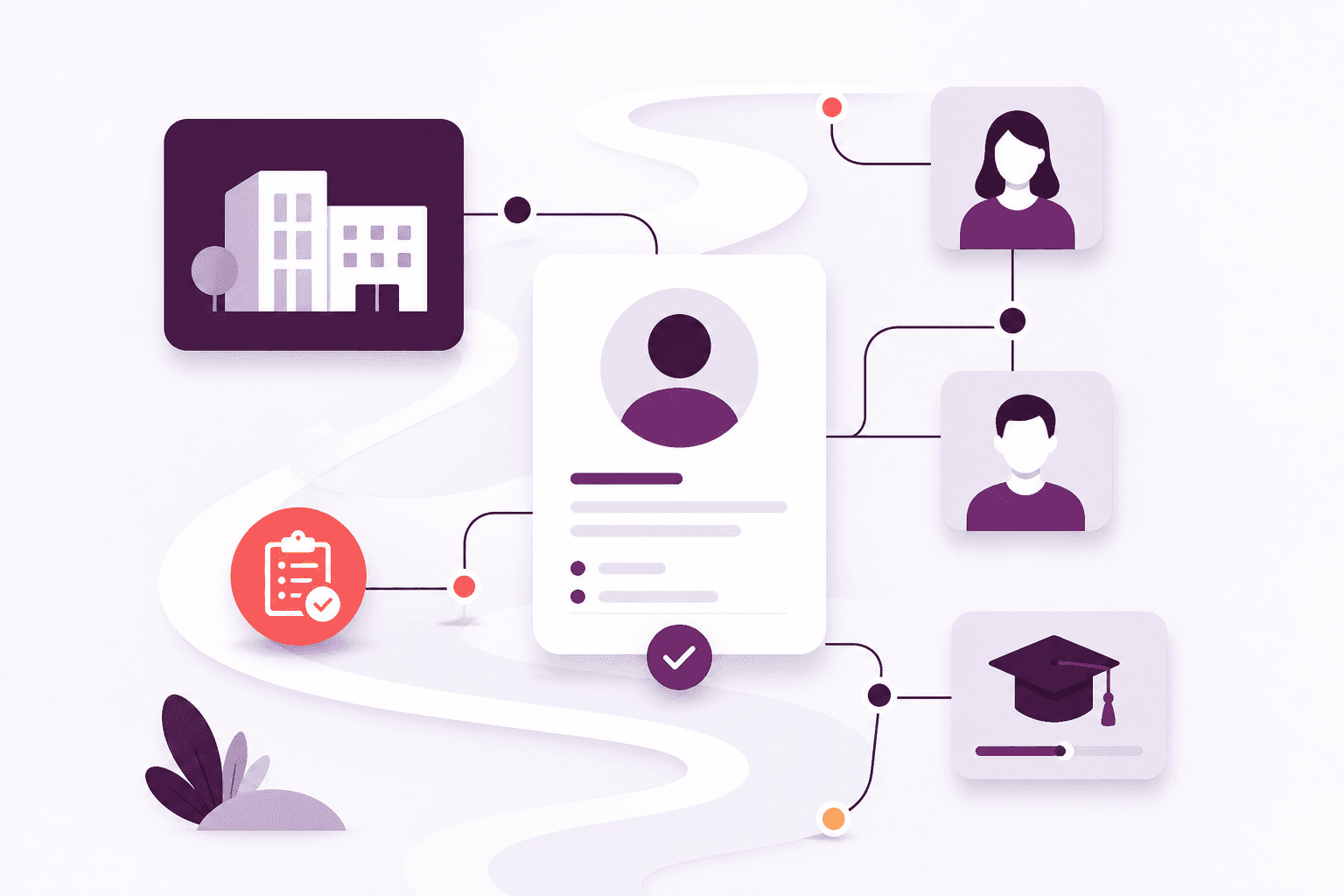
Understand the relationships and the follow-up from the people you already know.

CRM reports for account health, follow-up tasks, consent and new contacts.

How it helps

People and accounts

Understand relationships and follow-up from the people your team already keeps. Filter, page through results and export a CSV when you need to take insight elsewhere.

Give managers a picture of account health, overdue work and consent gaps — without rebuilding a report by hand.

Why it matters

What your team gains

The outcomes your team gains from this part of Afanor — written for training administrators, not database designers.

Decisions from live relationships

  • What needs doing today — follow-up that is due or overdue
  • How accounts look — healthy, at risk or growing
  • Who has asked not to be contacted, and gaps in the basics
  • An account at a glance — people, dates, expiring awards and open work
More in this area

Other parts of reporting

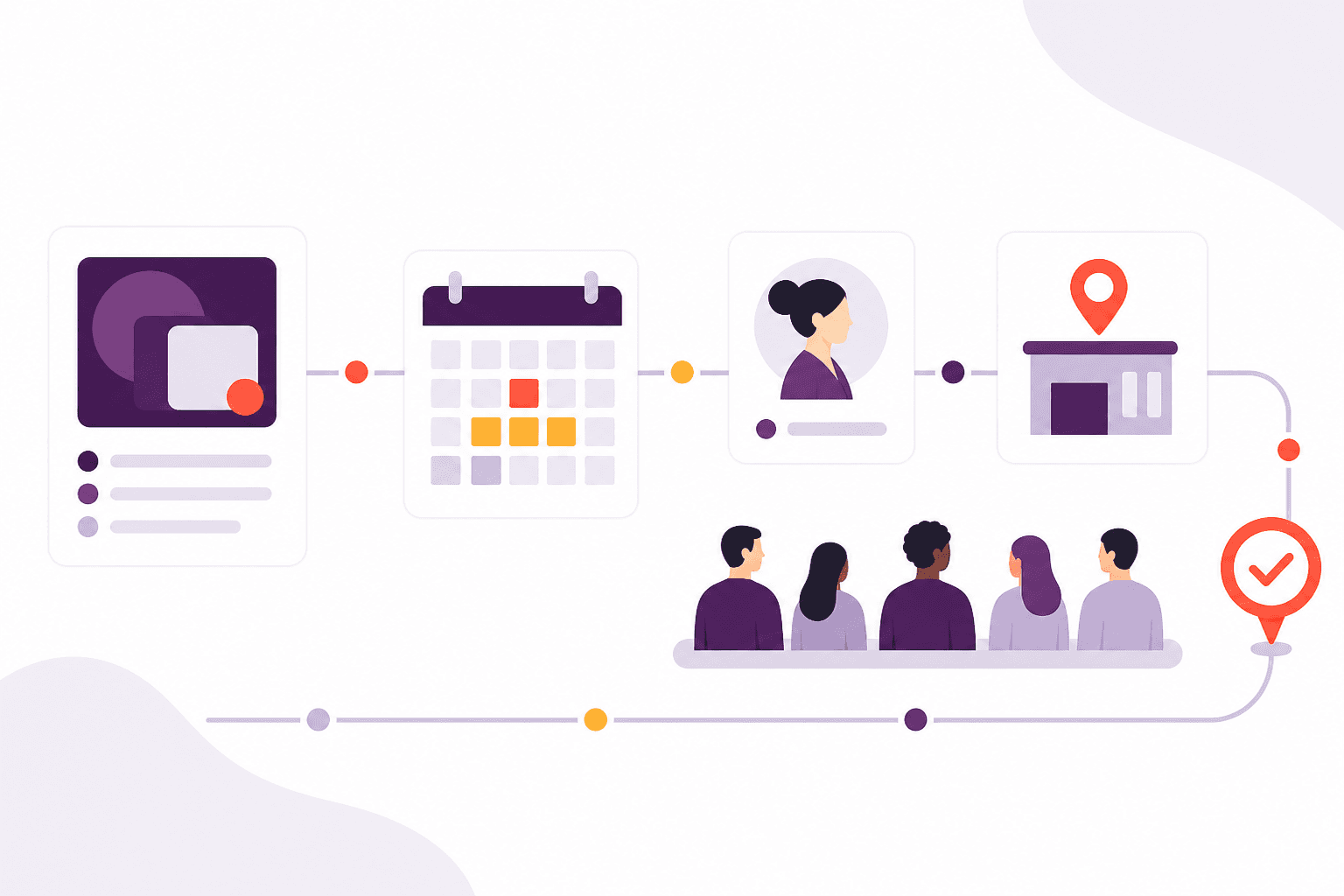
Reporting in Afanor comes from CRM, training, qualifications and the messages you send. You can see who is fine, who needs attention, and how delivery is going.

Courses and attendance

See the load on the diary and how learners are progressing, without a second tracker.

Read more

How assessments went

Move from a headline pass rate to the attempt, and the questions people missed.

Read more

Awards and reminders

See expiry and follow-up while there is still time to act.

Read more

Frequently asked questions

Questions about people and accounts

Where do the reports come from?

They use the people, courses, awards and reminders your team already keeps as they do the work.

Can we see what needs attention?

Yes. Reporting highlights accounts at risk, overdue follow-up, expiring awards and problems in the diary.

Works alongside

What sits next to reporting

These parts of Afanor share the same people, so you are not starting again in another tool.

Training

From the plan on the wall to the people in the room

Schedule the course, check learners in, run the quiz and follow up before a qualification lapses — without starting again in another tool.

Explore Training

Qualifications

Know what they hold — and when it runs out

Set up awarding bodies and the rules that go with each award, then keep learner achievements, evidence and expiry together.

Explore Qualifications

CRM

One place to know every learner

Stop keeping people in one spreadsheet and employers in another. Afanor holds who they are, how to reach them, and what still needs doing.

Explore CRM

See reporting in the same place as the rest of the work

Compare packages, or tell us how a typical week looks and we will help you choose.