
Make the next step visible
- Follow-ups, calls, emails, meetings and qualification reviews — all in one place
- See what is open, overdue or high priority across the team
- Reopen something if it was closed too soon
CRM
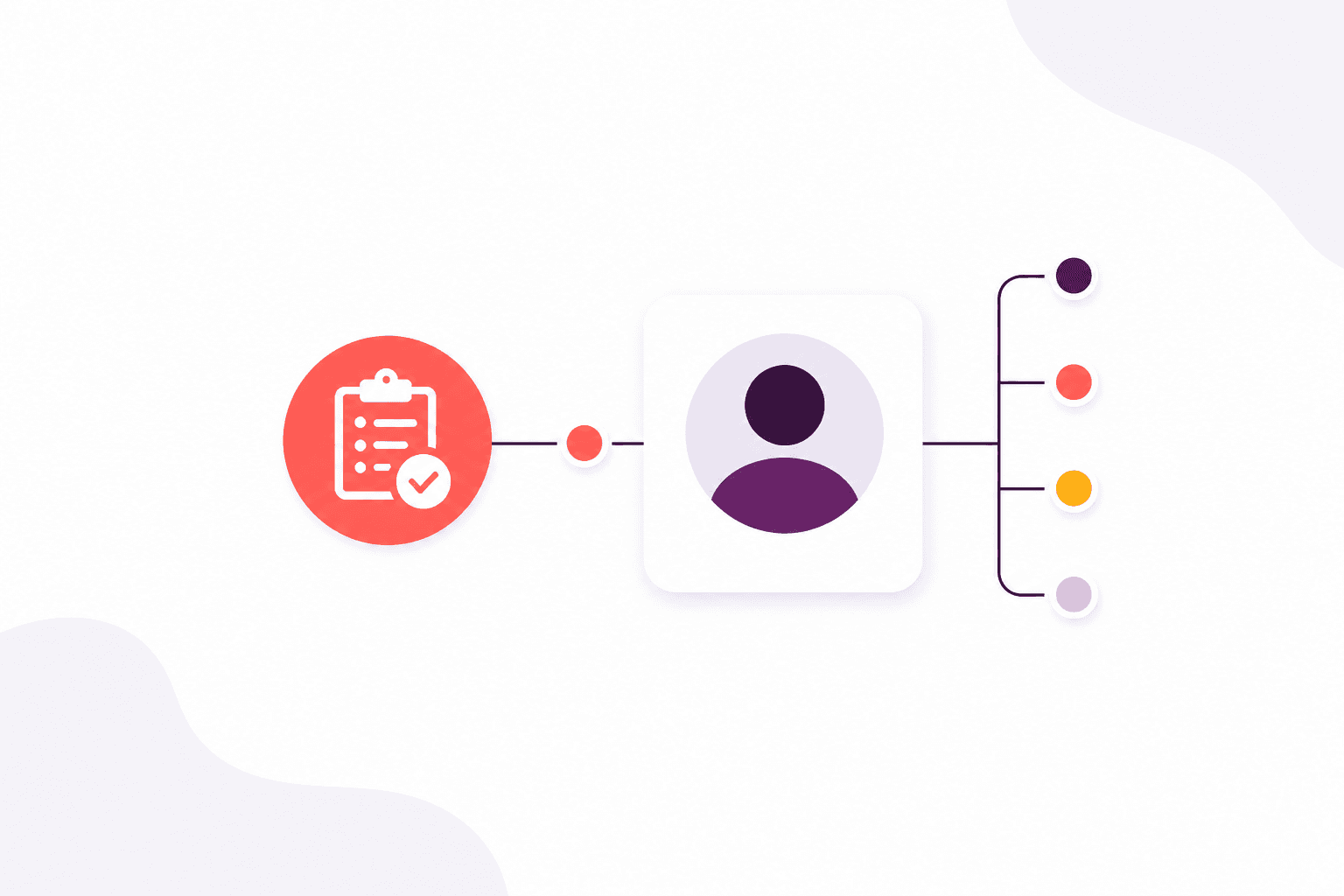
Make the next call, email or review visible, and keep a history of what changed.
How it helps
The next call should not live in someone’s head. Give every follow-up an owner, a due date and a priority — attached to the person it concerns.
When something changes, the history is there for the next colleague. On Scale, conversations from the shared inbox sit in the same place.
Why it matters
The outcomes your team gains from this part of Afanor — written for training administrators, not database designers.
More in this area
When someone phones, books or walks in, your team should already know who they are. Afanor keeps people and employers together, so nobody is maintaining a private list on the side.
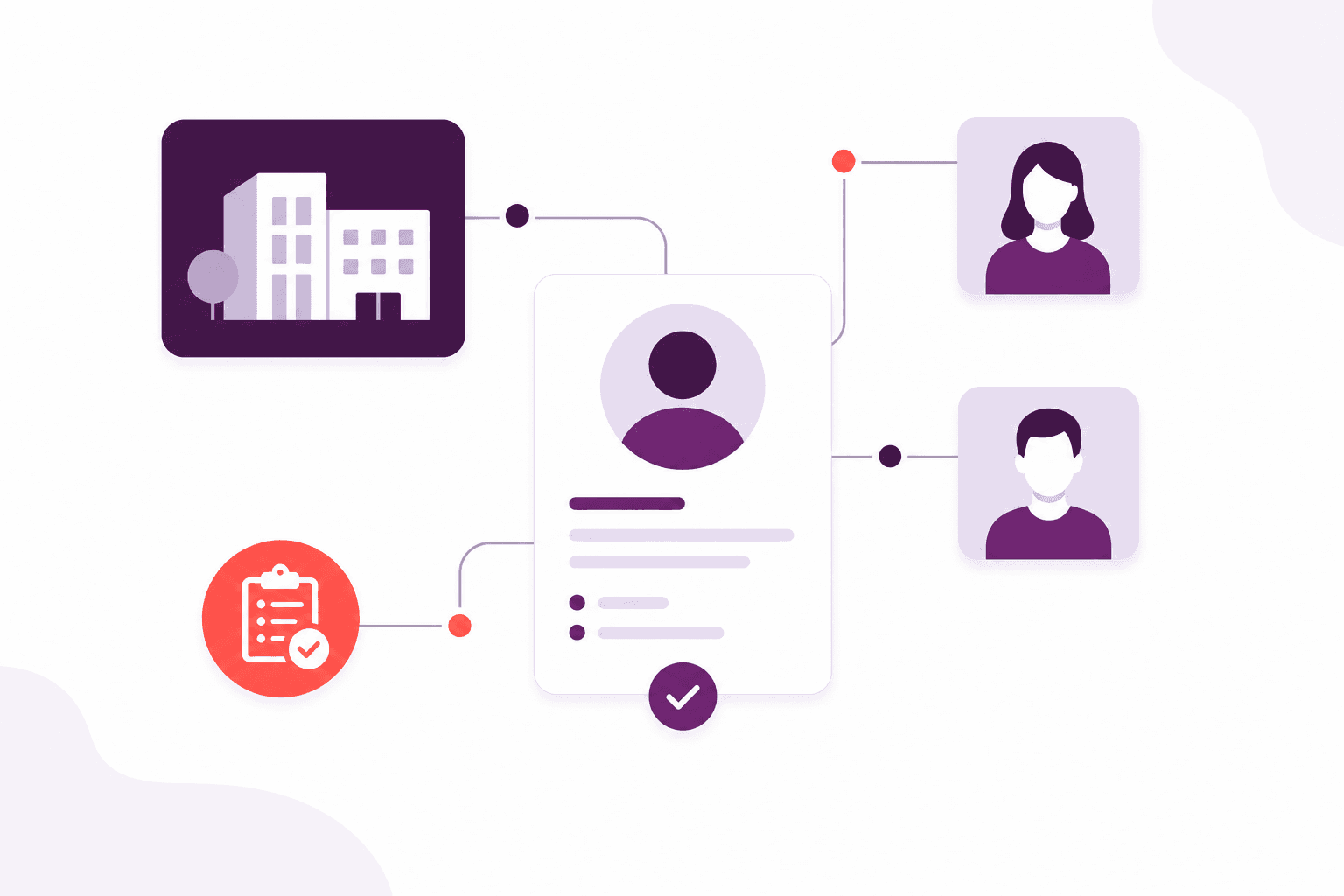
A named person the whole team can open, not a row that only one person understands.
Explore this feature
Keep the company view without losing the individual sitting in the room.
Explore this feature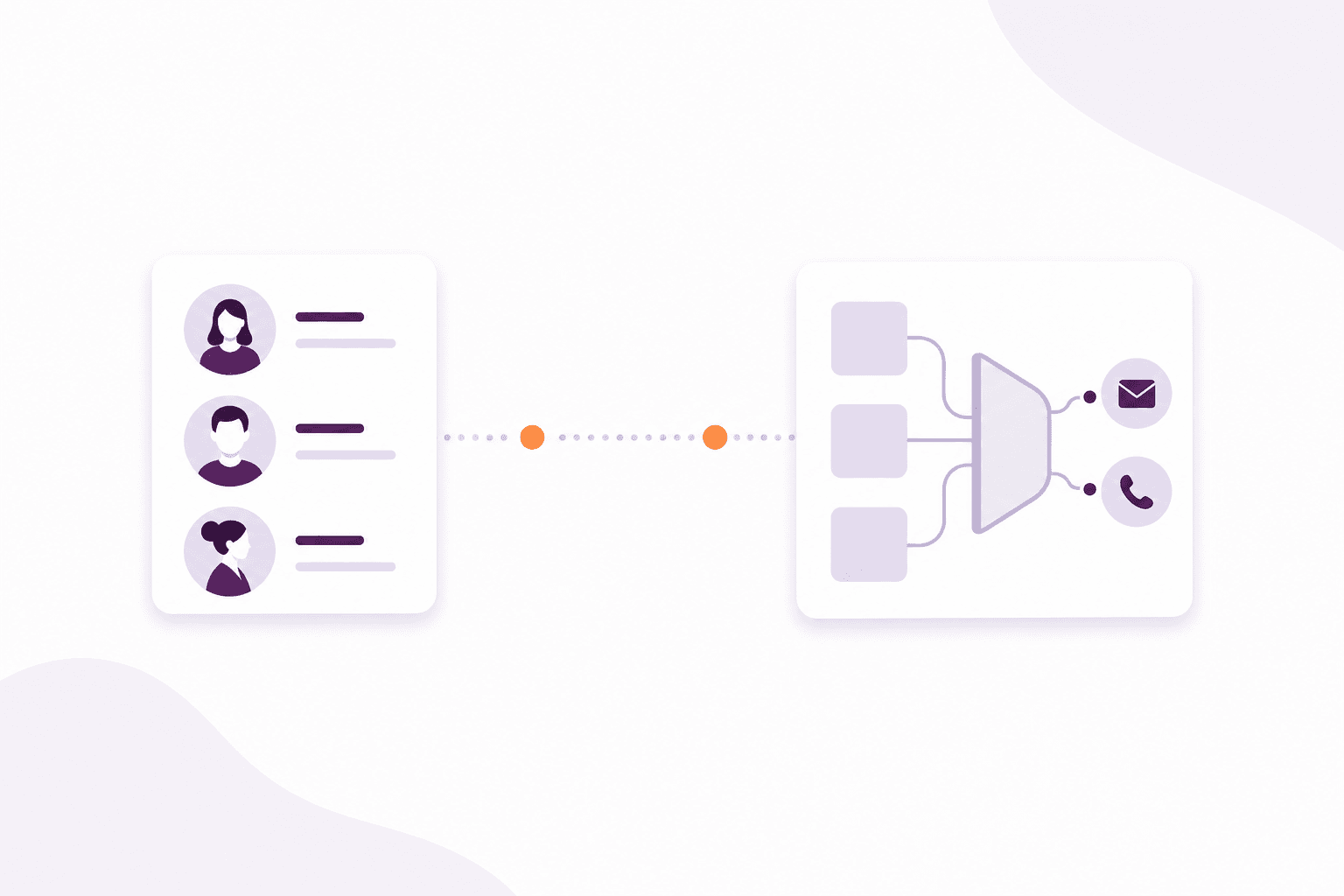
Turn the people you already know into a group you can actually write to.
Explore this featureFrequently asked questions
Yes. You can keep a hand-picked list, or a live audience that updates as details change, then see who you can actually email before you write.
No. The point of Afanor is that the person on the phone is the same person on the course and on the qualification.
Works alongside
These parts of Afanor share the same people, so you are not starting again in another tool.

Training
Schedule the course, check learners in, run the quiz and follow up before a qualification lapses — without starting again in another tool.
Explore Training
Communications
Remind people before a qualification lapses by email, learner push or letter. On Scale, incoming email lands with the team instead of one person’s mailbox.
Explore Communications
Reporting
Learners, sessions, awards, quizzes and reminders — as reports from the work you already do, not another spreadsheet to feed.
Explore ReportingCompare packages, or tell us how a typical week looks and we will help you choose.