
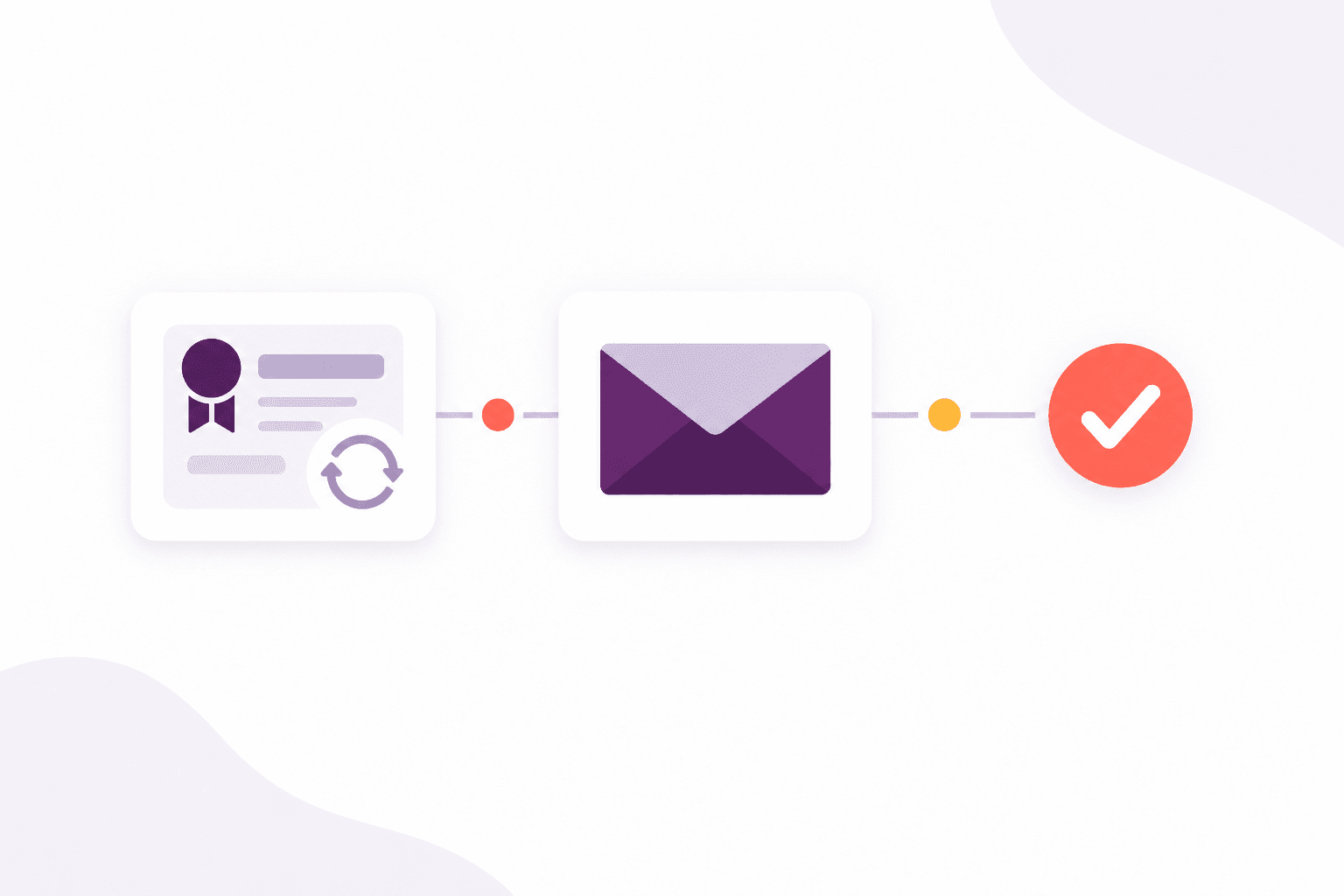
Digital route
Send a personalised email using a reusable template that can carry your training centre’s identity.
- Branded templates
- Delivery history
Communications
Write from the expiry dates you already keep, instead of a side list of who to chase.
How it helps
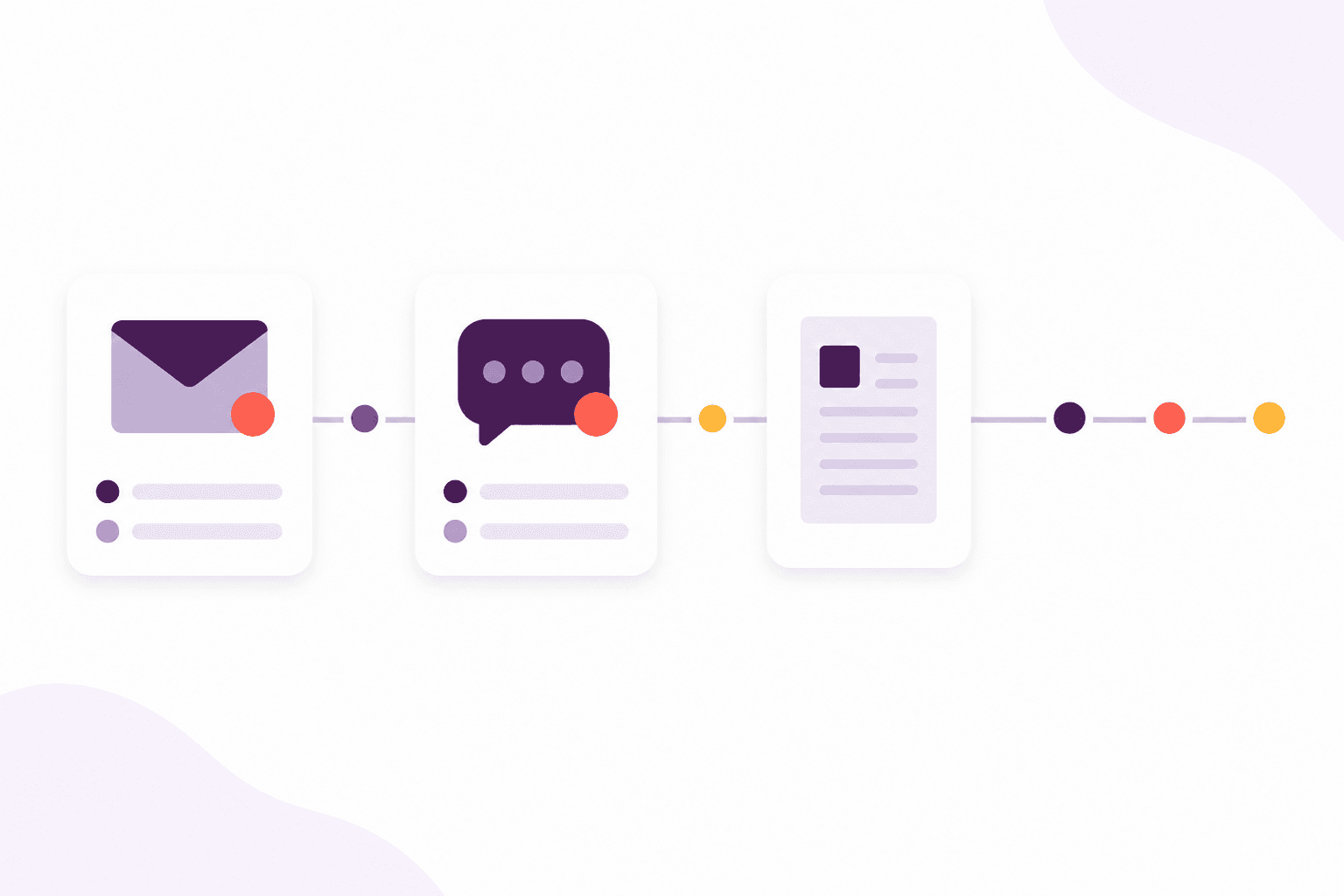
Renewal messages are scheduled from the expiry dates you already keep — using email and learner push templates. If digital delivery fails, a letter is ready.
The delivery log shows what arrived, what failed and which letters are ready to export or post.
Reminders can use email and learner push. UK address lookups and automatic UK letter posting depend on the package, with letters and lookups bought as top-ups. Compare packages
Ways to reach the learner
Choose the digital routes that suit each schedule. Afanor records what happened and can fall back to a personalised letter when none of them succeeds.
Digital route
Send a personalised email using a reusable template that can carry your training centre’s identity.
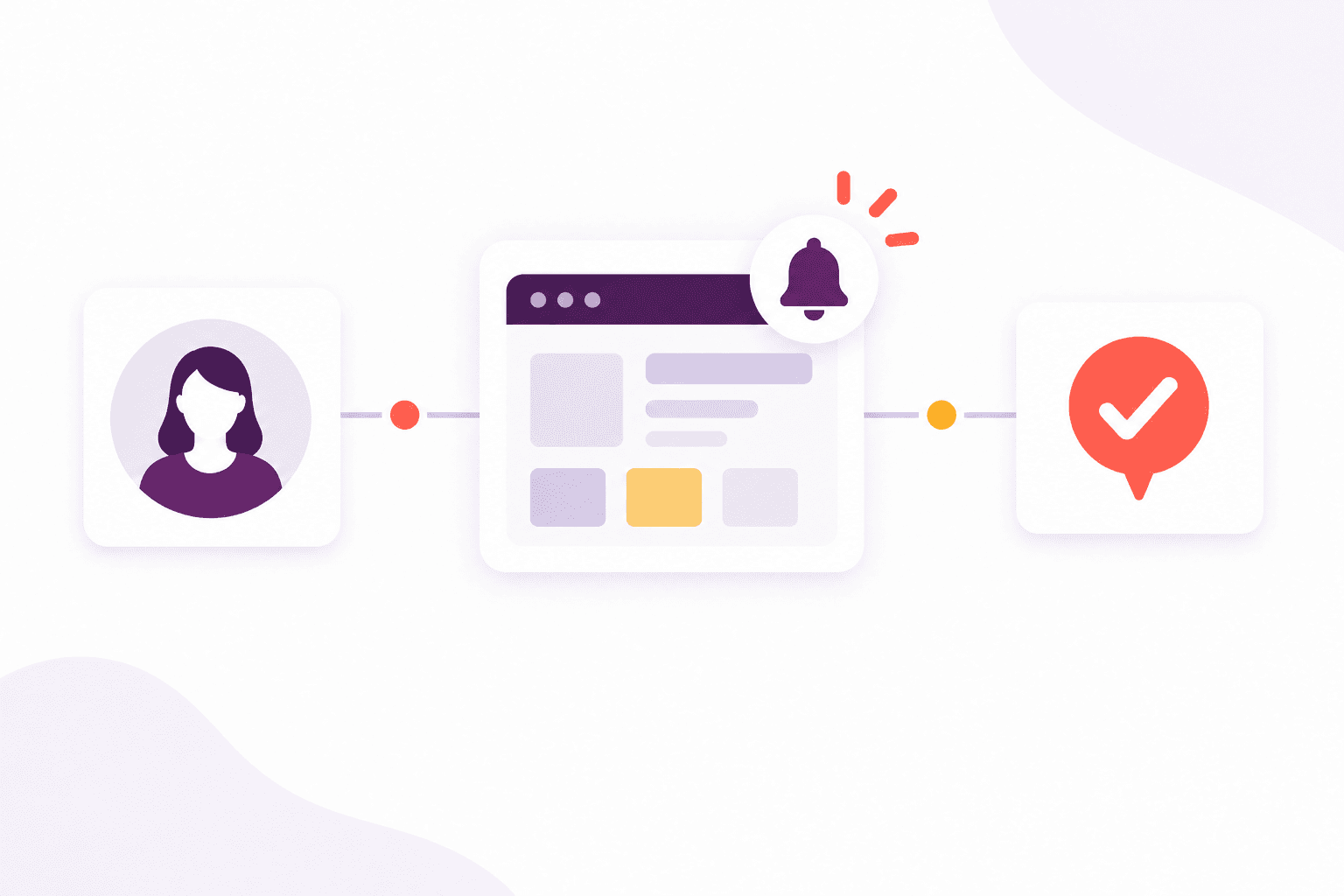
Customer portal
Add the reminder to the learner inbox and queue a browser notification when the learner has notifications enabled.
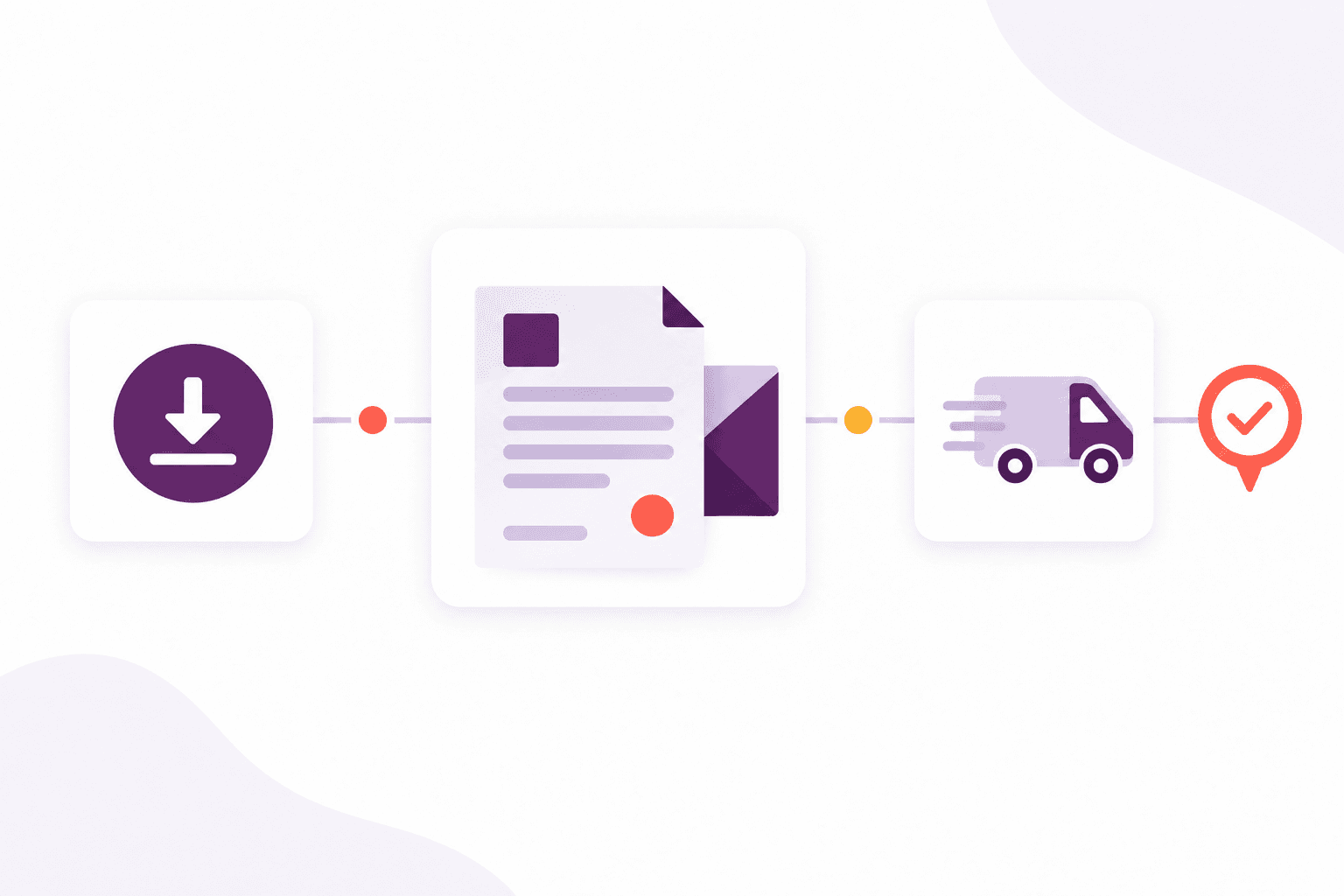
Fallback and fulfilment
Prepare a personalised, print-ready letter when digital delivery cannot reach the learner. Download the PDF yourself, or submit it for automatic colour printing and posting to UK addresses where enabled.
Automatic postal fulfilment is optional, uses letter credits where enabled, and currently posts to UK addresses only.
Why it matters
The outcomes your team gains from this part of Afanor — written for training administrators, not database designers.
More in this area
Some messages should go out on a schedule, from the expiry dates you already keep. Others arrive as questions and need an owner. Afanor does both, without a second mailbox.
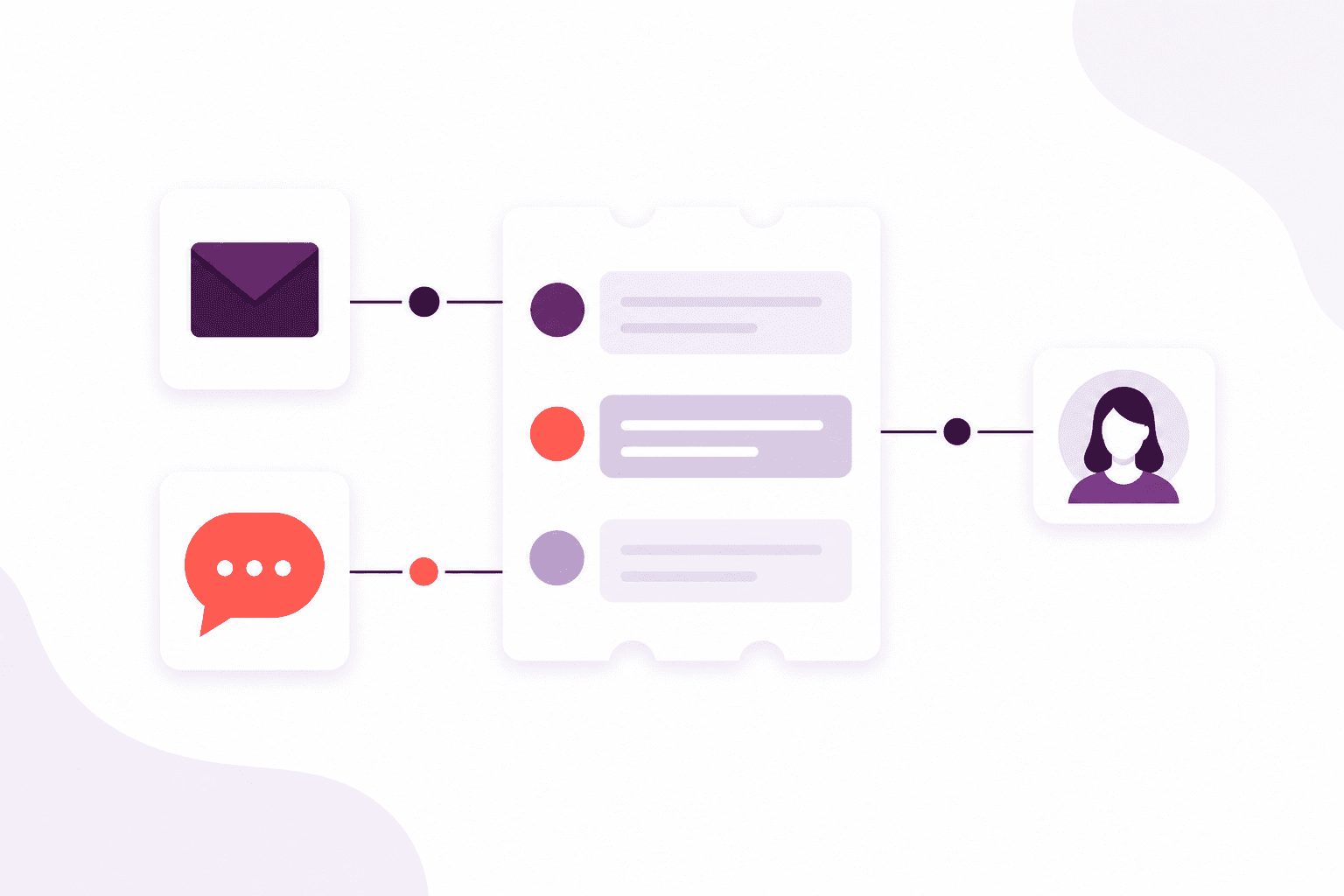
Keep the whole conversation in one thread, with the person it is about.
Explore this feature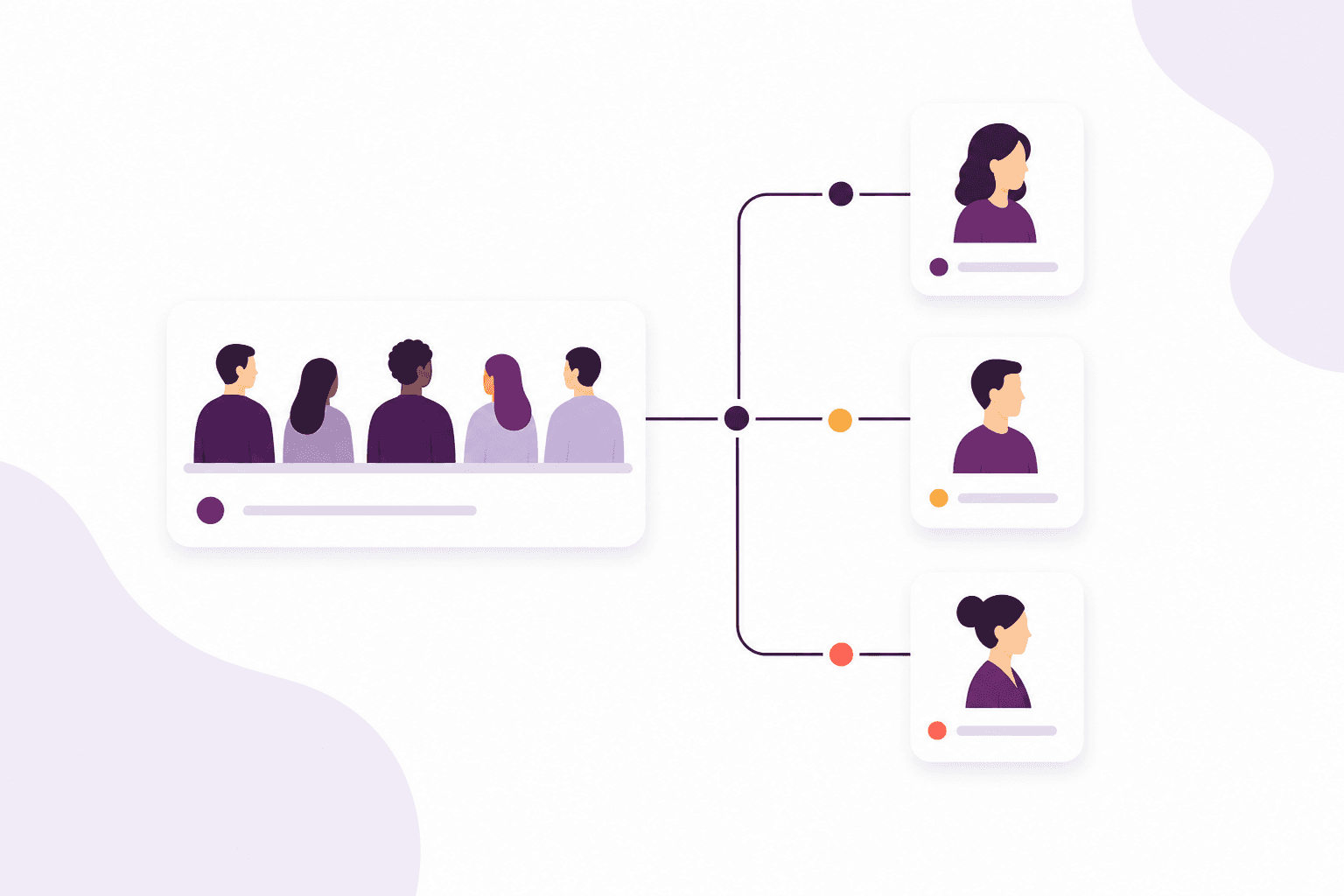
Give every message a home and a person, instead of hoping someone saw it.
Explore this feature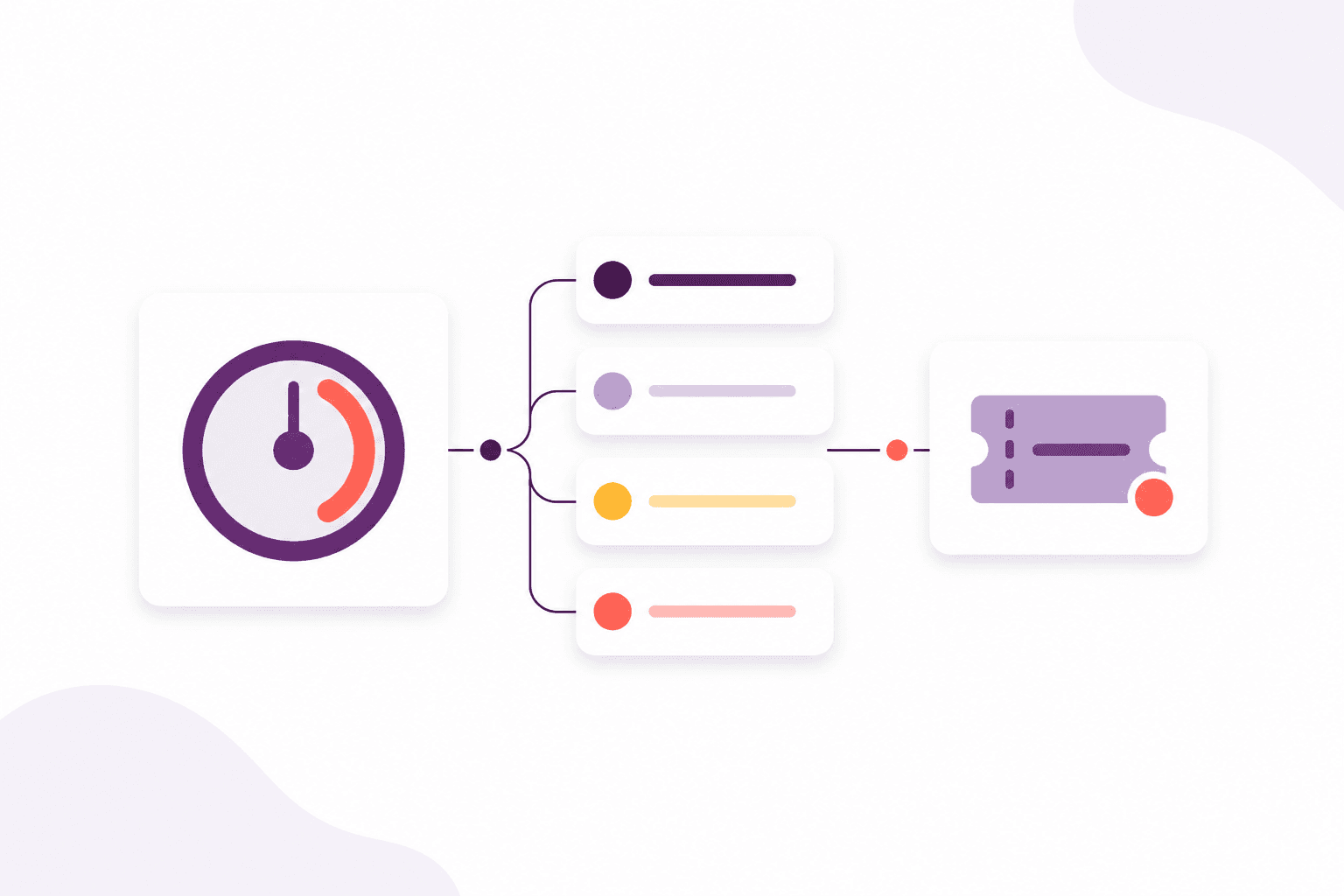
See the work that is about to slip, while there is still time to answer.
Explore this featureFrequently asked questions
Renewal reminders can use email and learner push. UK address lookups and automatic UK letter posting depend on the package; letters and lookups are bought as top-ups. Scale also includes a shared inbox for incoming and outgoing email.
If letter fallback is on, and none of the digital routes succeed, Afanor prepares a personalised letter. You can download it anywhere, or send it for automatic colour printing and posting where UK postal fulfilment is enabled.
Works alongside
These parts of Afanor share the same people, so you are not starting again in another tool.
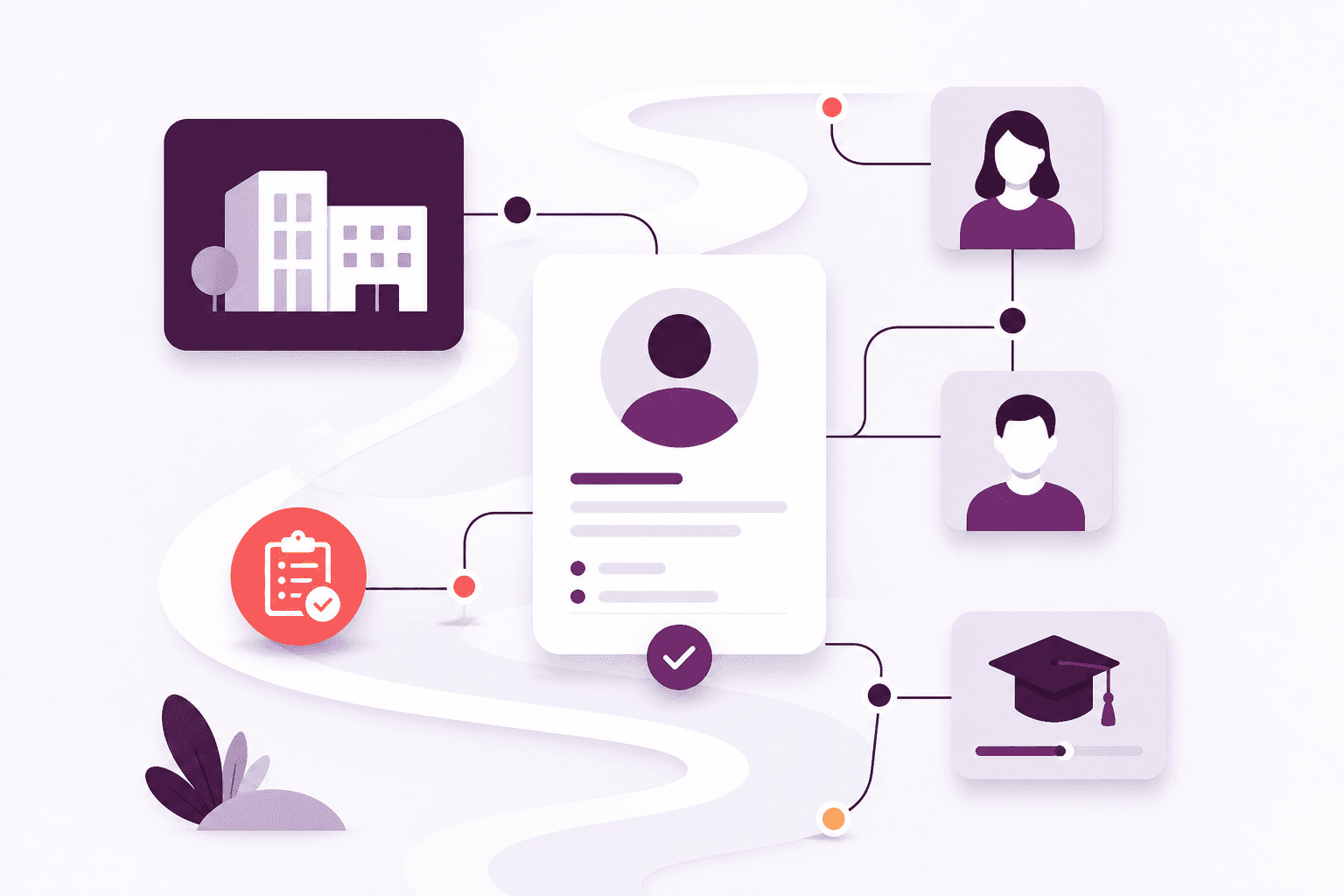
CRM
Stop keeping people in one spreadsheet and employers in another. Afanor holds who they are, how to reach them, and what still needs doing.
Explore CRM
Training
Schedule the course, check learners in, run the quiz and follow up before a qualification lapses — without starting again in another tool.
Explore Training
Reporting
Learners, sessions, awards, quizzes and reminders — as reports from the work you already do, not another spreadsheet to feed.
Explore ReportingCompare packages, or tell us how a typical week looks and we will help you choose.